A-9
INSTALLATION
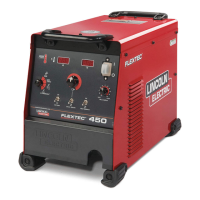
FLEXTEC™ 450
A-9
LN-10,DH-10 CONTROL SWITCH
SETUP
Initial set up of the LN-10, DH-10 control for the sys-
tem components being used and for general operator
preferences is done using a pair of 8-pole DIP switch-
es located inside the LN-10, DH-10 control box.
Setup DIP Switch Access
1) Shut off the input power to the LN-10, DH-10 con-
trol by turning off the power at the welding power
source it is connected to.
2) Remove the two screws on the top of the LN-10,
DH-10 control box door and swing the door down
to open.
3) Locate the two 8-pole DIP switches, near the top
left corner of the LN-10, DH-10 Control P.C. board,
labeled S1 and S2.
4) Switch settings are only programmed during input
power-up restoration.
Setting the DIP Switches
The DIP switches are each labeled with an “ON”
arrow showing the on direction for each of the 8 indi-
vidual switches in each DIP switch (S1 and S2). The
functions of these switches are also labeled and set
as described below:
Pwr Sources
S1
ON
S1
12 3456 78
Head
Pwr Sources
S1
ON
S1
12 3456 78
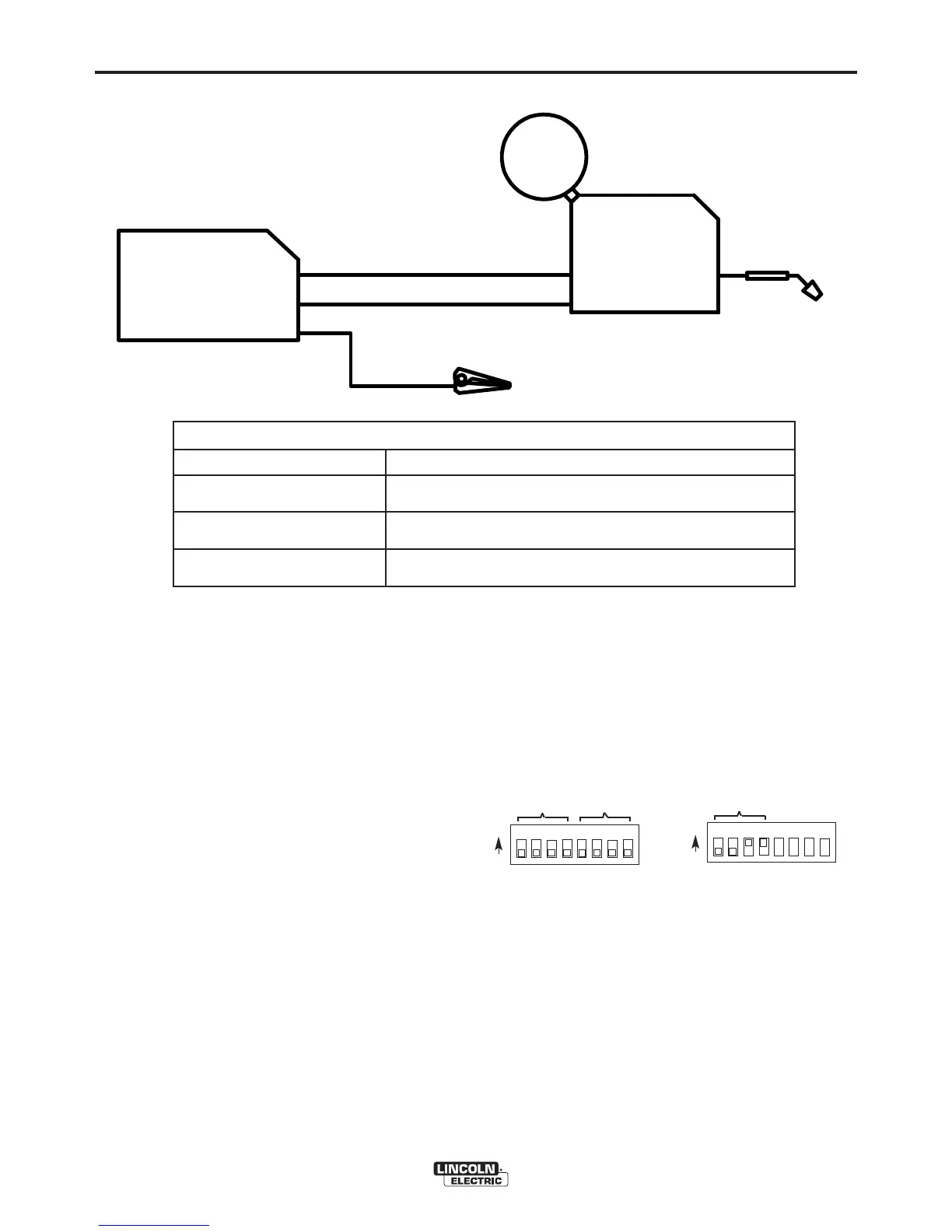
CONNECTING LN-10 AND DH-10 TO THE FLEXTEC™ 450
CONTROL SETTING
14-PIN CONTROL CABLE K1501-XX
ELECTRODE
FLEXTEC™-450
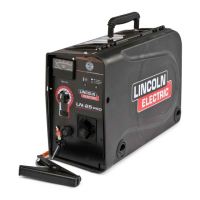
WIRE FEEDER
LN-10
DH-10
WORK
WELD MODE
WELD TERMINALS
REMOTE/LOCAL
VOLTMETER POLARITY
CV, CV-INNERSHIELD
OFF
REMOTE
PROCESS DEPENDENT


 To Next Page