8
Step 7
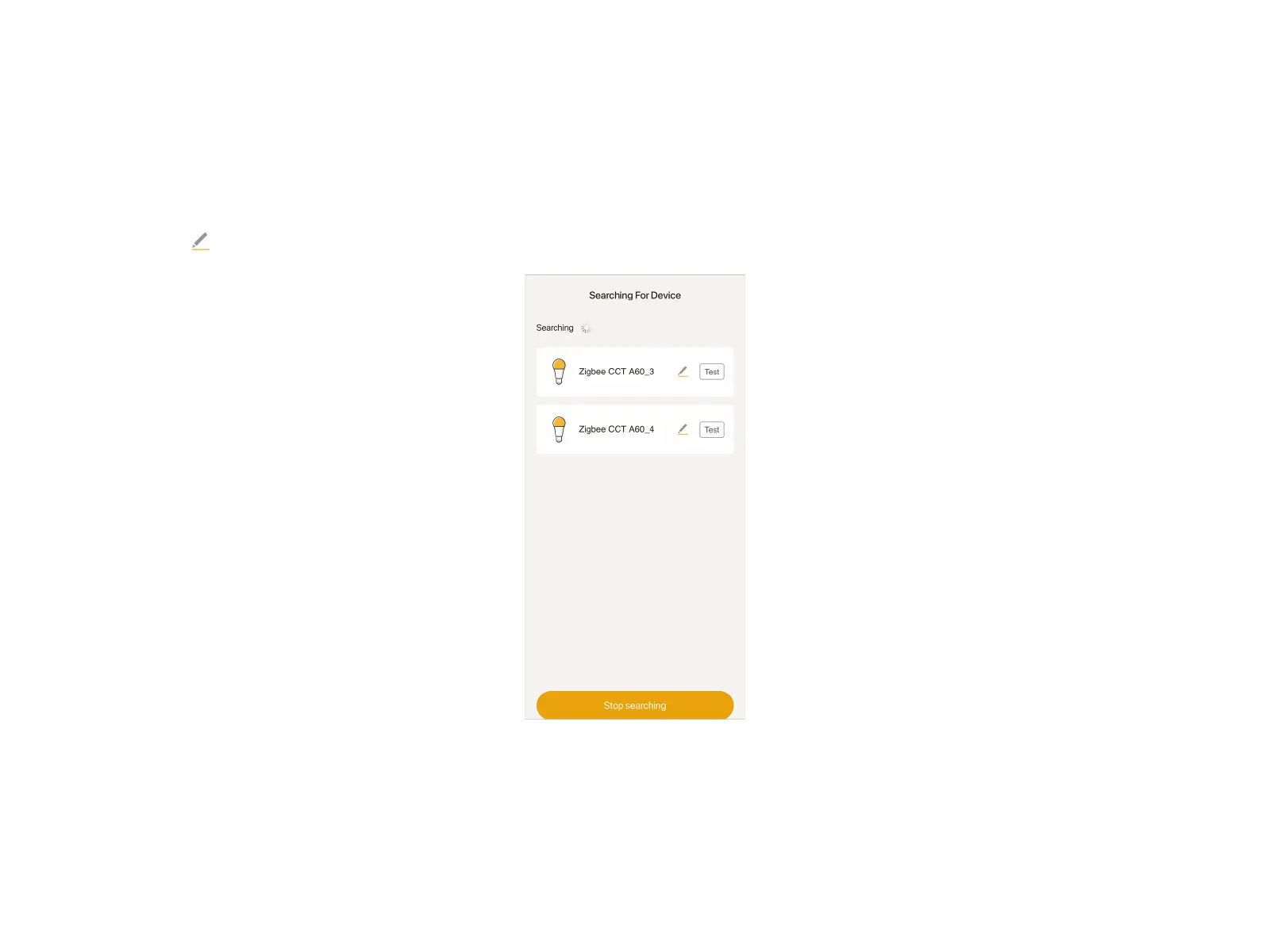
The APP will automatically search for and add the smart bulb. Once the bulb is found, it will blink once and be added in the APP. If all
bulbs appear at the "Searching For Device" page, tap "Stop searching" to stop the search. Tap "Test" to check where the connected
bulb is. Tap to rename the device. In the last step, tap "Done" to finish the adding.
Warm tips: If you keep failing to add the device, please turn off then turn on the device when the APP is searching.
Add Mini Hub and Smart Bulb Separately


 To Next Page