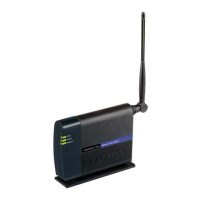
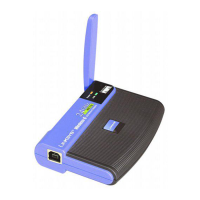
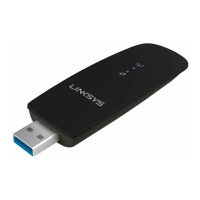
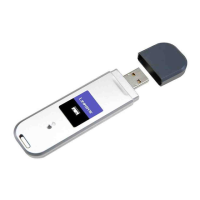
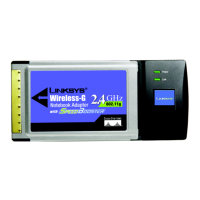
Wireless-G Notebook Adapter or Wirless-G Notebook Adapter with SpeedBooster
Figure 4-30: Wireless Security - RADIUS - EAP-TLS 19
Figure 4-31: Wireless Security - RADIUS - PEAP 19
Figure 4-32: Wireless Security - LEAP 20
Figure 4-33: LEAP Settings 20
Figure 4-34: Confirm New Settings 21
Figure 4-35: Congratulations Screen 21
Figure 5-1: Wireless Network Monitor Icon 22
Figure 5-2: Link Information 22
Figure 5-3: More Information - Wireless Network Status 23
Figure 5-4: More Information-Network Statistics 24
Figure 5-5: Site Survey 25
Figure 5-6: WEP Key Needed for Connection 25
Figure 5-7: WPA-Personal Needed for Connection 26
Figure 5-8: WPA2-Personal Needed for Connection 26
Figure 5-9: Profiles 27
Figure 5-10: Import a Profile 27
Figure 5-11: Export a Profile 27
Figure 5-12: Create a New Profile 28
Figure 5-13: Available Wireless Network 28
Figure 5-14: SecureEasySetup Screen 29
Figure 5-15: SecureEasySetup Logo 29
Figure 5-16: SecureEasySetup Logo Location 29
Figure 5-17: Congratulations 30
Figure 5-18: Available Wireless Network 30
Figure 5-19: WEP Key Needed for Connection 31
Figure 5-20: WPA-Personal Needed for Connection 31
Figure 5-21: WPA2-Personal Needed for Connection 32
Figure 5-22: Congratulations 32
Figure 5-23: Network Settings for New Profile 33
Figure 5-24: Wireless Mode for New Profile 33
Figure 5-25: Ad-Hoc Mode Settings for New Profile 34
Figure 5-26: Wireless Security - Disabled 34
Figure 5-27: Wireless Security - WEP for New Profile 35



 To Next Page