ATTACK
™
DIGITAL FIRE TRAINING SYSTEM
26
WWW.LIONPROTECTS.COM
10. SHUT DOWN OPERATION
1. To shut down ATTACK
™
when running, press the STOP button on the Setup Remote.
2. Unplug the power supply from the wall.
3. Remove the ATTACK panel from the Weighted Base by pulling up on the lock pin.
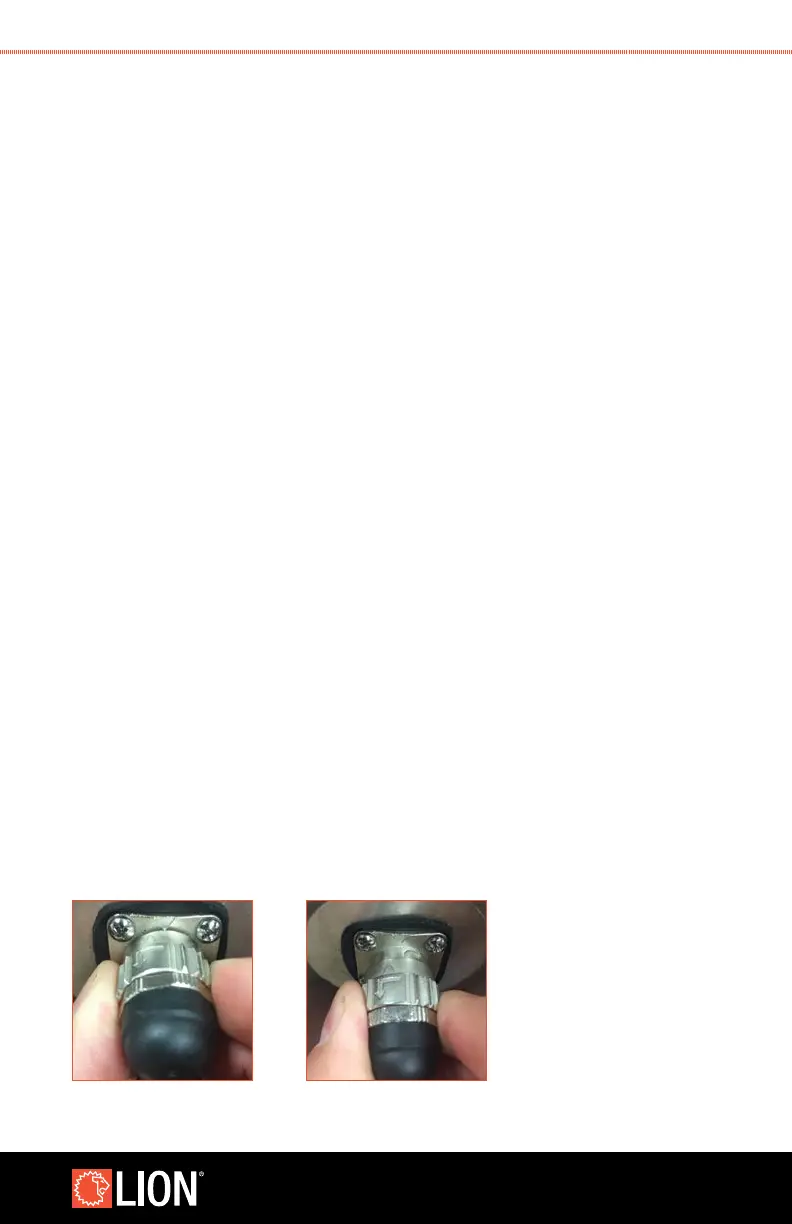
4. Unplug the power cord from the unit by twisting the collar on the connector
counterclockwise, then pulling the connector away from the unit.
5. Drain the water from the Weighted Base by opening the two drain plugs on the sides
of the tank.
6. Once the Weighted Base is empty, lift the rear support off the bolts on the bottom of
the bag and slide the bottom of the legs forward.
7. Fold up the Weighted Base. To disengage the sliding legs, extend them slightly and
pull the locking mechanism out of the way. The anchor can now be folded up.
8. Secure the two button straps to keep the Weighted Base folded up.
9. Wipe down all surfaces of ATTACK, cord and Weighted Base.
10. If you are using a Smoke Generator case, unplug the power cord from the wall.
Then, unplug the power cord from the Smoke Generator case by turning the collar
counterclockwise. Reinstall the cap by turning clockwise.
11. After wiping cords down, they may be stored inside the Smoke Generator case.
STEP 4 STEP 4



 To Next Page