7
Getting Started
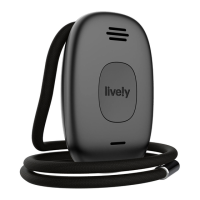
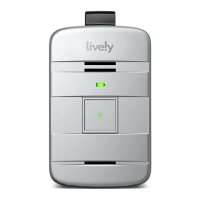
The Back of Your Lively Mobile Plus
Lanyard Slot – Attach the included Fall Detection Lanyard for use around
your neck.
Serial Number – This number is used for activating your device.
Power Button – Turns the Lively Mobile Plus on and o.
Charging Contacts – Allows charging with the included Charging Dock.
i
INFO
By design, there is no volume control. If you are in a location where the device’s
sounds may be disruptive, you may want to turn o your device. Make sure to
turn it back on afterward so that it is ready if you encounter an unsafe situation.
If you are in a noisy area, you may need to move the device closer to your ear or
to your mouth when connected with Urgent Response or 9-1-1.


 To Next Page