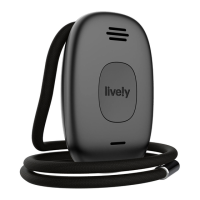
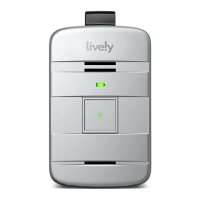
Using Your Lively Mobile Plus
29
Calling 9-1-1 in an Emergency
In addition to your 24/7 access to Urgent Response, your Lively Mobile Plus can also
call 9-1-1 directly if you experience a critical emergency.
To Call 9-1-1:
1. Press and hold the Call Button until you hear a tone and a voice prompt of
“Calling 9-1-1. Press the button to cancel.”
2. To end the call, press and release the Call Button. You will hear a tone and a
voice prompt of “Your call has ended. Thank you.”
If the person you were speaking with hangs up first, your Lively Mobile Plus will
automatically end the call without the need to press the Call Button.


 To Next Page