50
Managing Your Account
Your Account
Visit lively.com/myaccount to easily and securely manage your account and
Personal Emergency Profile online. If you haven’t set up a Lively account yet, you
will need to register by navigating to lively.com/myaccount on your computer’s
web browser and following the easy instructions.
Once registered, you can go to lively.com/myaccount any time to:
• Manage your Personal Emergency Profile
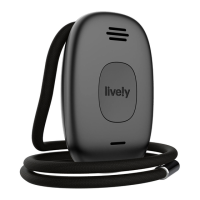
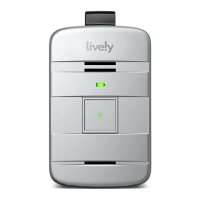
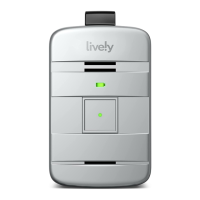
• Send a “Test Call” to your Lively Mobile Plus
• Send a tone to find your misplaced Lively Mobile Plus
• Locate your Lively Mobile Plus on a map using Lively Link
• Manage “Just in Case” notes
• Manage your billing information


 To Next Page