26
Using Your Lively Mobile Plus
Calling Lively Urgent Response
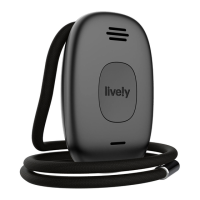
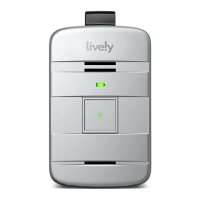
Your Lively Mobile Plus comes with 24/7 access to Lively Urgent Response Agents.
Trained in CPR and other emergency procedures, certified Urgent Response Agents
will confirm your location using patented GPS technology, evaluate your situation
and get you the help you need.
To Call Urgent Response:
1. Press and release the Call Button briefly. You will hear a voice prompt of “Calling
Urgent Response, press the button to cancel.” If you pressed the Call Button by
mistake, you will have a short moment to press the Call Button again to cancel the call.
2. While speaking with the Agent, hold your Lively Mobile Plus at a comfortable
distance, at least one inch away from your mouth, and speak normally into
the microphone.


 To Next Page