12
Getting Started
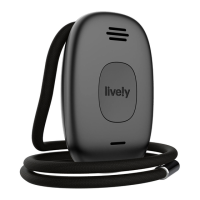
Powering On Your Lively Mobile Plus for the First Time
1. Ensure that your Charging Dock is plugged into a wall outlet.
2. Lower your Lively Mobile Plus into the Charging Dock, as illustrated.
3. After a few moments, you will hear “We’re setting up your device, please wait.
This process may take several minutes.” This process may take several minutes.
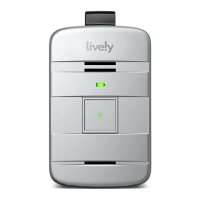
4. Once complete you will hear “Welcome to Lively” and the Service Indicator in the
middle of the Call Button will begin flashing green, indicating that the device is
working properly.
5. You will receive an automated test call on your Lively Mobile Plus that will confirm
functionality. Once you hear the device ringing, press and release the Call Button
to answer.


 To Next Page