55
Managing Your Account
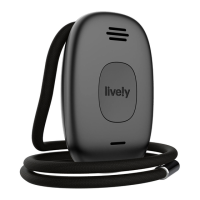
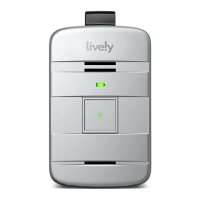
Locating Your Lively Mobile Plus Using Lively Link
With select Lively Health & Safety Packages you can view the last known location
of your Lively Mobile Plus on a map by using Lively Link found at Lively.com. Not
only will you be able to use an interactive map to locate your device, you can also
allow family to connect with your device and view key information through their
smartphone.
The Lively Link app allows your family to:
• Get notifications when you press the button to contact Urgent Response
• Get directions to the last known location of your Lively Mobile Plus
• Identify the battery level and whether your Lively Mobile Plus is powered on or o
• View a summary of your daily activities based on the known locations set up in
your Personal Emergency Profile


 To Next Page