54
Managing Your Account
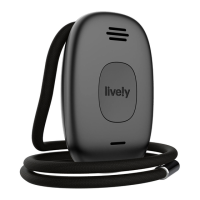
Sending a Tone to Find a Misplaced Lively Mobile Plus
If you have lost or misplaced your Lively Mobile Plus, a special tone can be
played to help you find it. Simply use the “Ping Lively” feature found on
lively.com/myaccount to send a distinctive tone to your Lively Mobile Plus. The
“Ping My Lively” tone will play for a limited time and then stop.
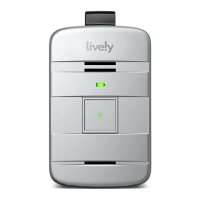
If you find your Lively Mobile Plus while the special tone is playing, press and
release the Call Button to stop the tone.


 To Next Page