46
Fall Detection
What Happens in the Event of a Fall
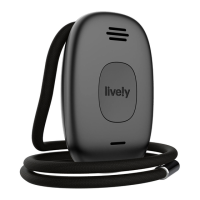
If your Lively Mobile Plus detects a fall, it will play an audio message “Fall detected.
Calling Urgent Response. Press the button to cancel.” You will have a few seconds
to cancel the call.
• If you did not fall or do not need assistance, press the Call Button to cancel the
call. You will hear an audio message, “Your call has been cancelled.”
• If you do not cancel the call within a few seconds, your Lively Mobile Plus will
automatically call Urgent Response. The Urgent Response Agent will confirm you
are safe and secure or get you the help that you need.
If you fall and DO NOT hear “Fall detected. Calling Urgent Response. Press the
button to cancel.” press the Call Button to immediately connect you to Urgent
Response. Fall Detection does not work when your Lively Mobile Plus is powered o.


 To Next Page