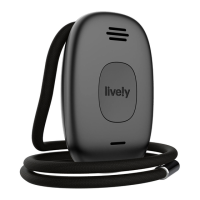
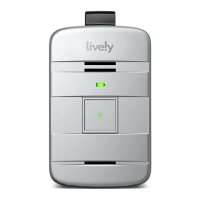
Using Your Lively Mobile Plus
31
To Answer an Incoming Call:
1. Firmly press and release the Call Button and speak clearly into the Microphone
located at the bottom of the device.
2. To end the call, press and release the Call Button. You will hear a tone and a
voice prompt of “Your call has ended. Thank you for calling Urgent Response.”
If the person you were speaking with hangs up first, your Lively Mobile Plus will
automatically end the call without the need to press the Call Button.
i
INFO
The Lively Mobile Plus can only receive incoming calls from 9-1-1 Operators or
Urgent Response Agents.


 To Next Page