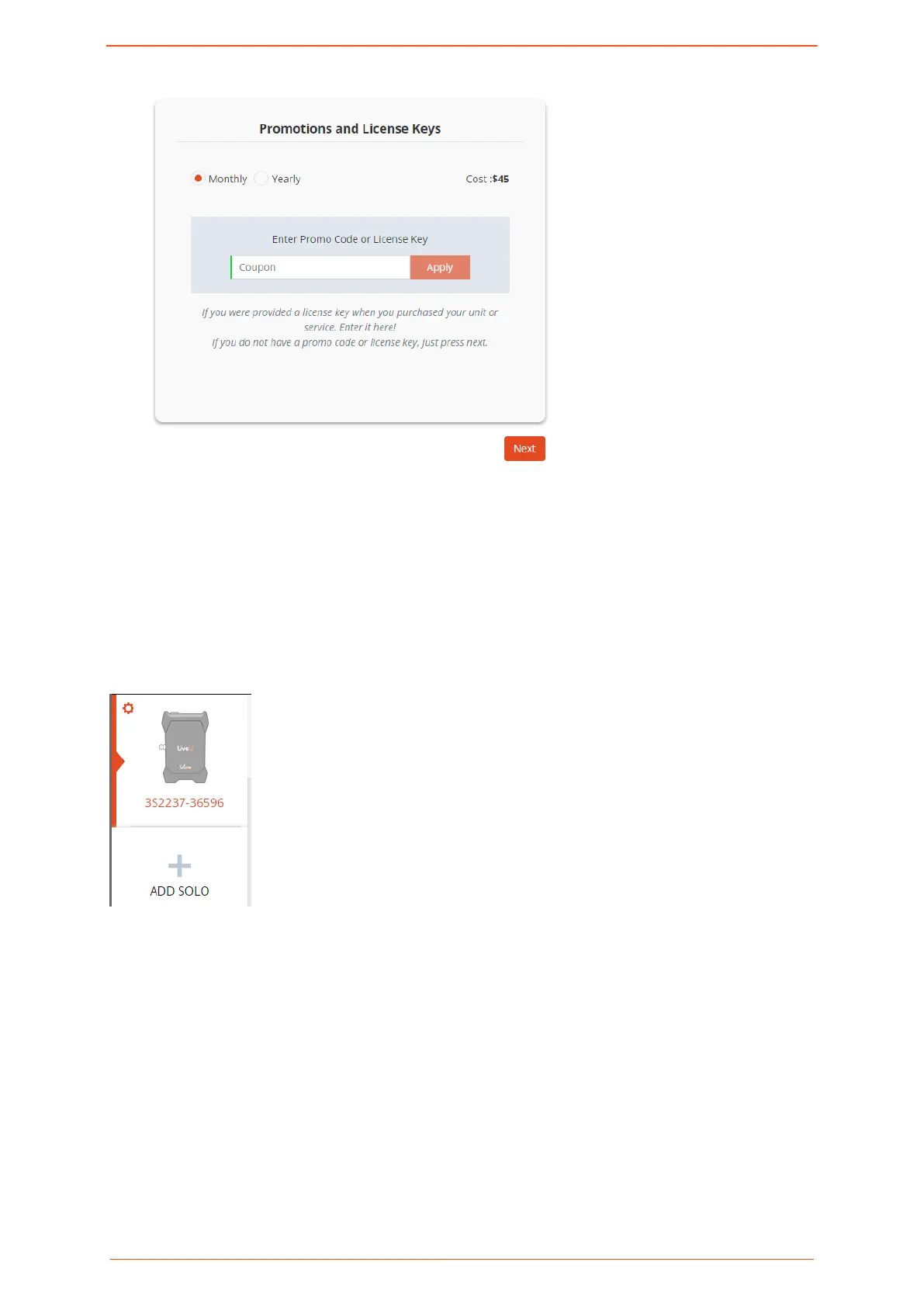
2. If you have a promo code or license key, type the characters into the text box and
click Apply. Otherwise, click Next.
3. Select Monthly or Yearly and click the + sign.
4. Enter your details into the Payment Info screen and click Next.
You are returned to the dashboard, where your purchase is conrmed. It can take up
an one hour for LRT to be activated.
Registering an additional Solo PRO device
Clicking + ADD SOLO returns you to the Add Solo Unit page where you repeat the
registration process.
Selecting and managing video streaming destinations
You can set the destination for your video streams in the portal. If you're using LRT, the
system determines in which zone your device is located.
To select and manage video streaming destinations:
1. Click + Select New Destination.
A list of all possible destinations is displayed.
Logging in to the Solo PRO portal
Solo PRO User guide 11


 To Next Page