LXC706 Series Genset Controller
Dongguan Tuancheng Automation Equipment Co.,Ltd.
LXC706 Product User Manual Dongguan Tuancheng Automation Equipment Co.,Ltd.
: +86-769-23836636 : F:+86-769-23166296 : www.lixise.com
Temperature
:
(-25~+70)ºC Relative humidity
:
(20~90)%
IP55:When waterproof rubber seal installed between the
controller and panel fascia
IP42:When waterproof rubber seal is not installed between the
controller and panel fascia
Object:input/output/power
Quote standard:IEC688-1992
Test way:AC1.5kV/1min leakage current:1mA
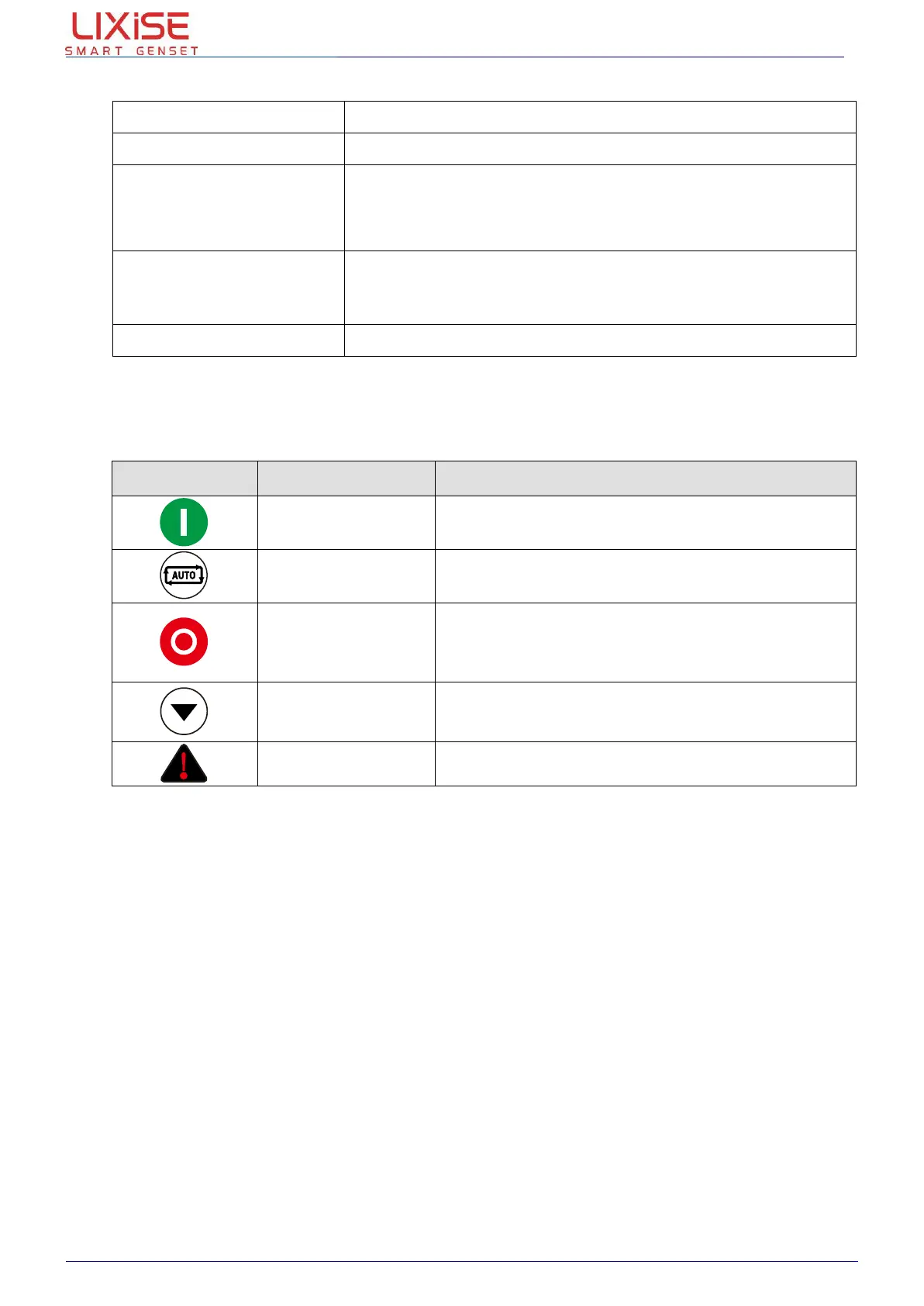
5. DISPLAY SYMBOL AMD OPERATION
Push this button, generator will start, and the
module comes into manual state
Push this button, the module comes into auto state
Push this button, generator will stop, and the
module comes into stop state.
In the standby mode, if long pressing the button for
3 seconds all LED lights
LCD page
button/confirm
button
Change the page display, used for LCD and can
move the cursor in the parameter Settings and
confirm set information
When an alarm occurs, exhibit of lanterns flicker

 To Next Page
 Loading...