Operation
20 www.loepfe.com
WeftMaster CUT-iT
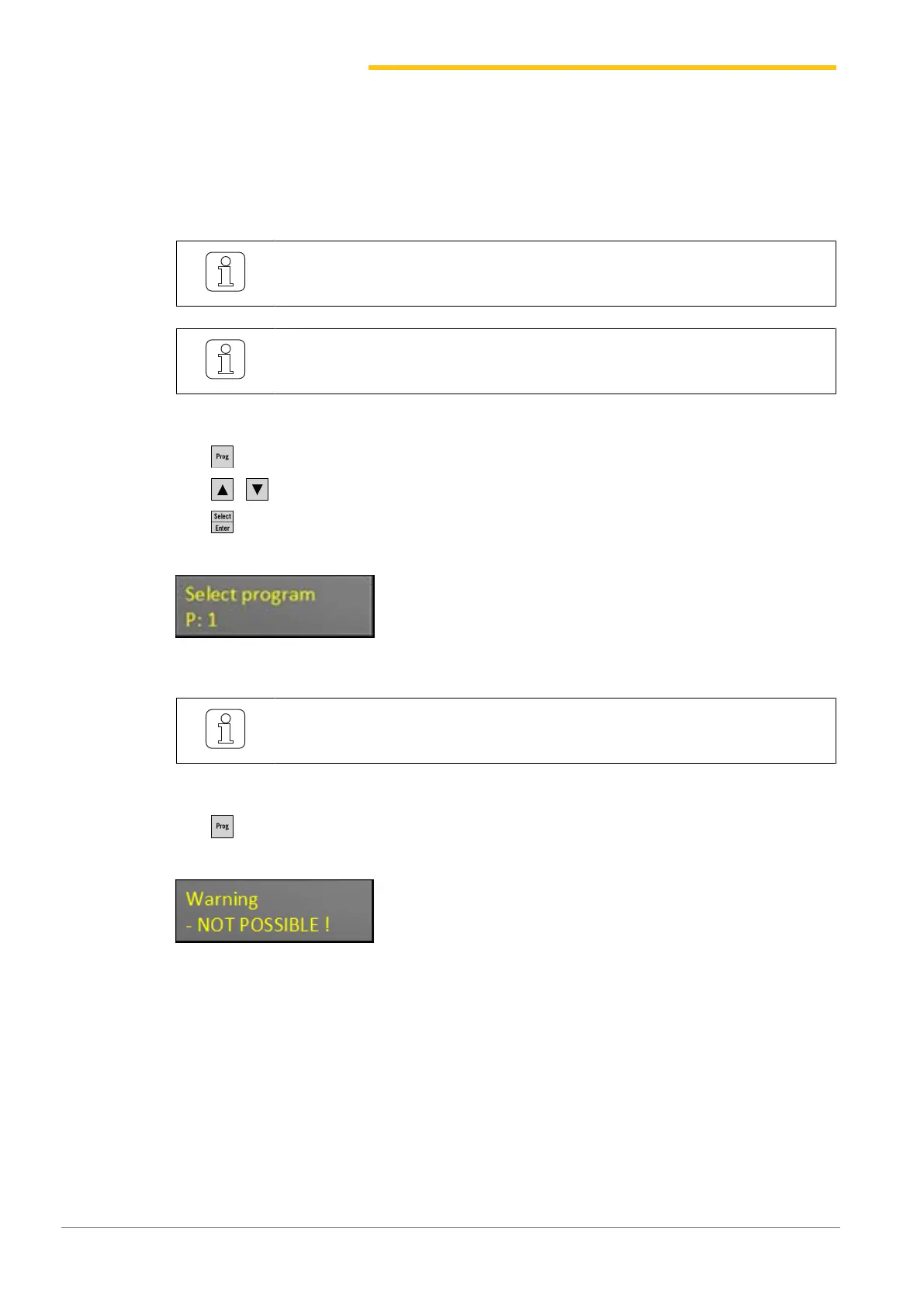
4.3.6 Select Program
Ten programs can be saved in system memory (program numbers 1–10).
n Each program contains the values for the Standby and Run current strengths for the specified and
selected cutter wire type.
A new value must be defined when a cutter wire type is changed.
A program can only be selected when the weaving machine is idle.
ü The weaving machine is idle.
1.
Press.
2.
Press to select the desired program.
3.
Press to confirm the selected program.
ð The selected program is active.
A program can only be selected when the weaving machine is idle.
ü The weaving machine is running.
1.
Press.
ð The following error message is displayed:


 To Next Page