Operation
16 www.loepfe.com
WeftMaster CUT-iT
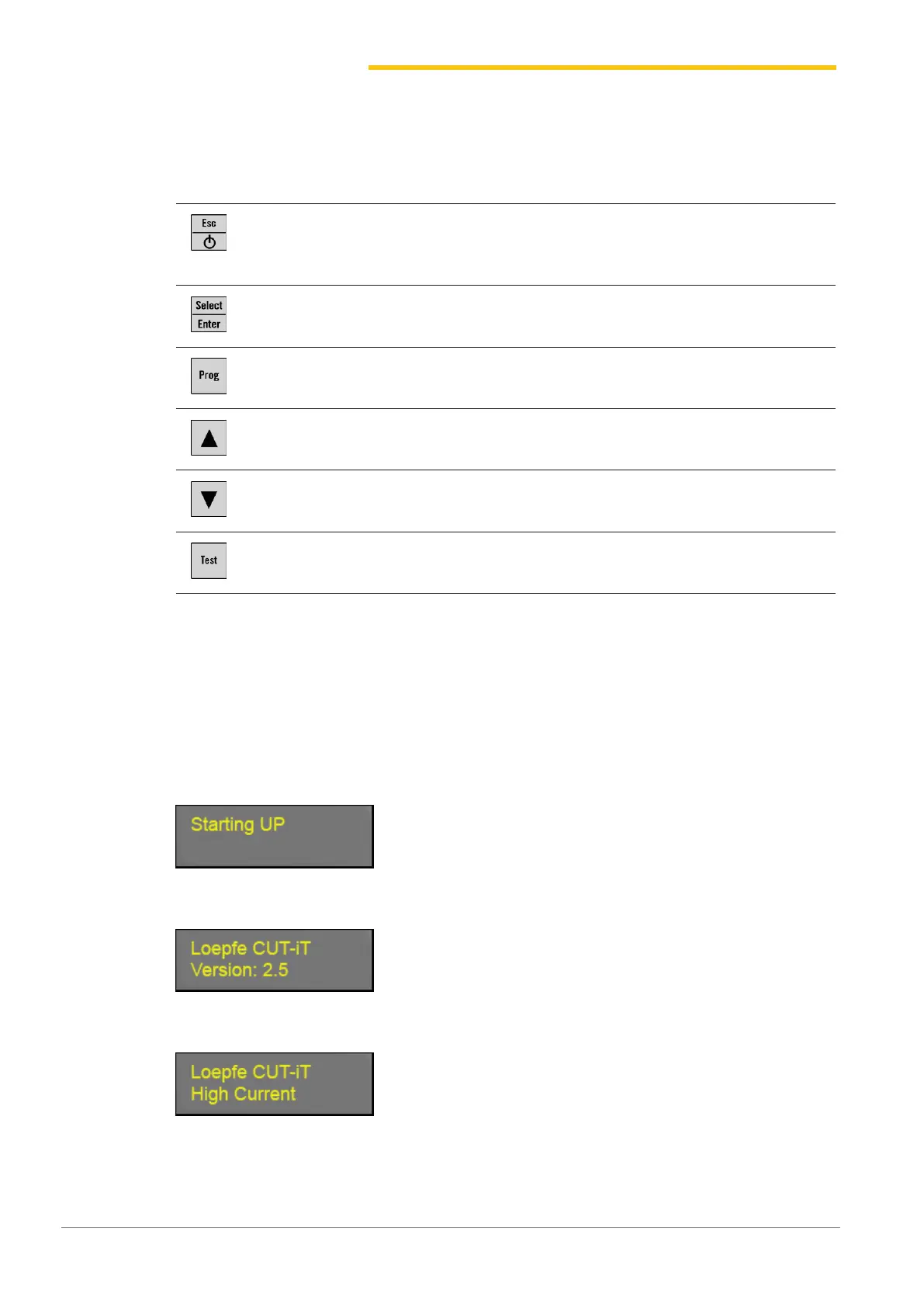
4.2 Function buttons
Button Press button Press button for 3 seconds
n Switch device on
n Exit without changing
n Delete error message
Switch device off
Confirm
Setting mode (set current strength for «Run»and «Standby»)
Select program
Scroll up Display internal measured values
Scroll down Reset program settings of selected program to standard val-
ues
Test mode
4.3 Basic functions
4.3.1 Putting the device into operation
1. Connect device to power supply.
ð The following status messages are each displayed for 1 second during the Startup phase.
ð Display: «Starting Up»
ð Display: «Version: X.X» (software version)
ð Display: «Board type»
ð Display: «Relay type»


 To Next Page