Operation
24 www.loepfe.com
WeftMaster CUT-iT
4.4.2 Setting the display contrast
This setting can only be initialized during the startup phase!
Activating when changing settings interrupts the process and Setting mode is
exited without saving the changes.
ü Device connected to power supply.
1.
Press.
ð Startup phase runs.
2.
Press during the startup phase.
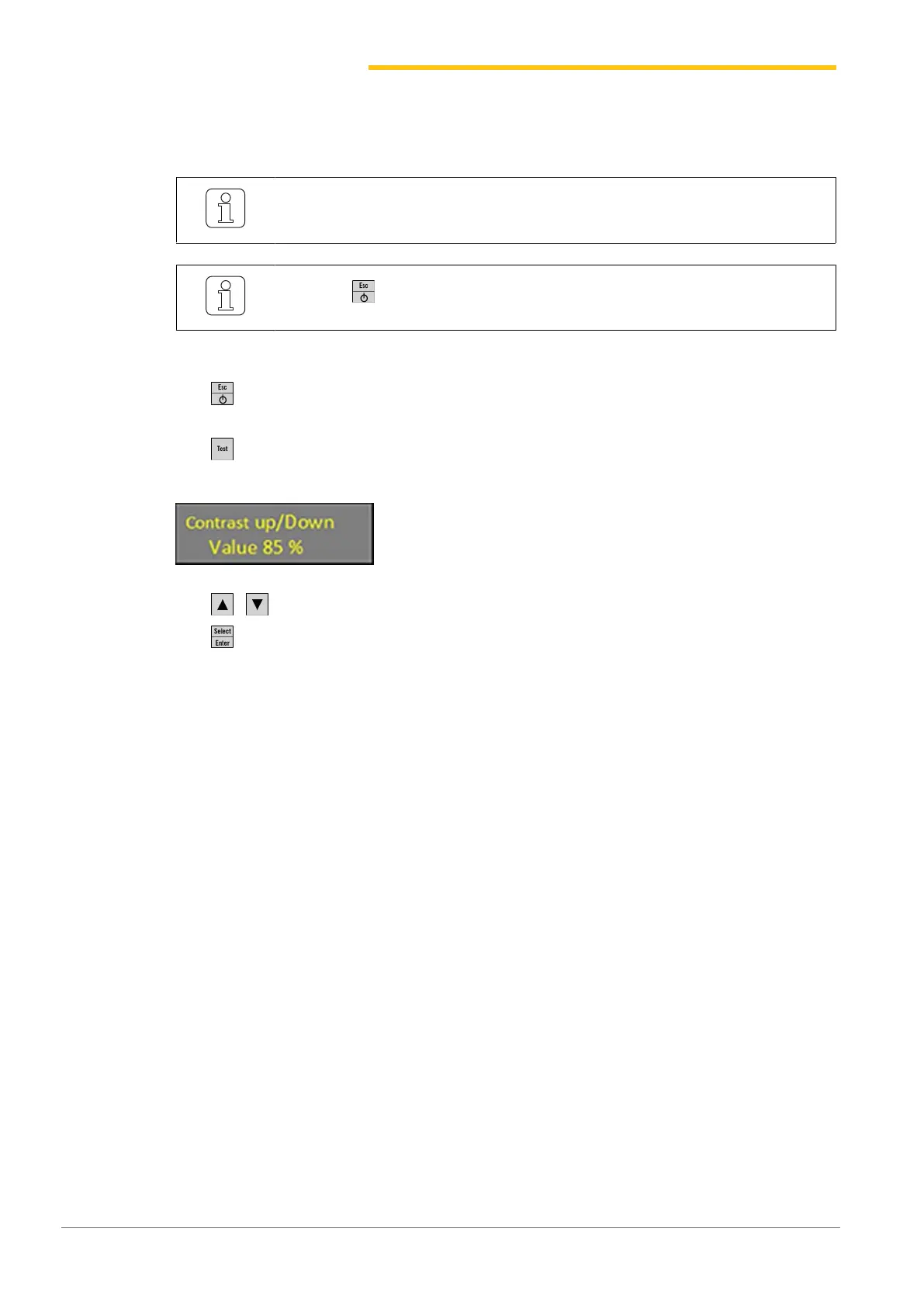
ð Display: «Contrast up / Down» (contrast higher / lower)
3. Press to select desired setting.
4.
Press to confirm desired setting.
ð Display contrast is set.


 To Next Page