Operation
WeftMaster CUT-iT
www.loepfe.com 23
4.4 Advanced functions
4.4.1 System settings
The following system settings can be displayed:
n «Standby current»
n «Run current»
n «Boost current»
n «Boost time»
n «Internal values»
n «Supply voltage»
n «Output voltage»
n «Set value of current source A»
n «Actual output current of current source A»
n «Set value of current source B»
n «Actual output current of current source B»
n «Output load resistance»
Displaying system settings
1.
Press for 3 seconds.
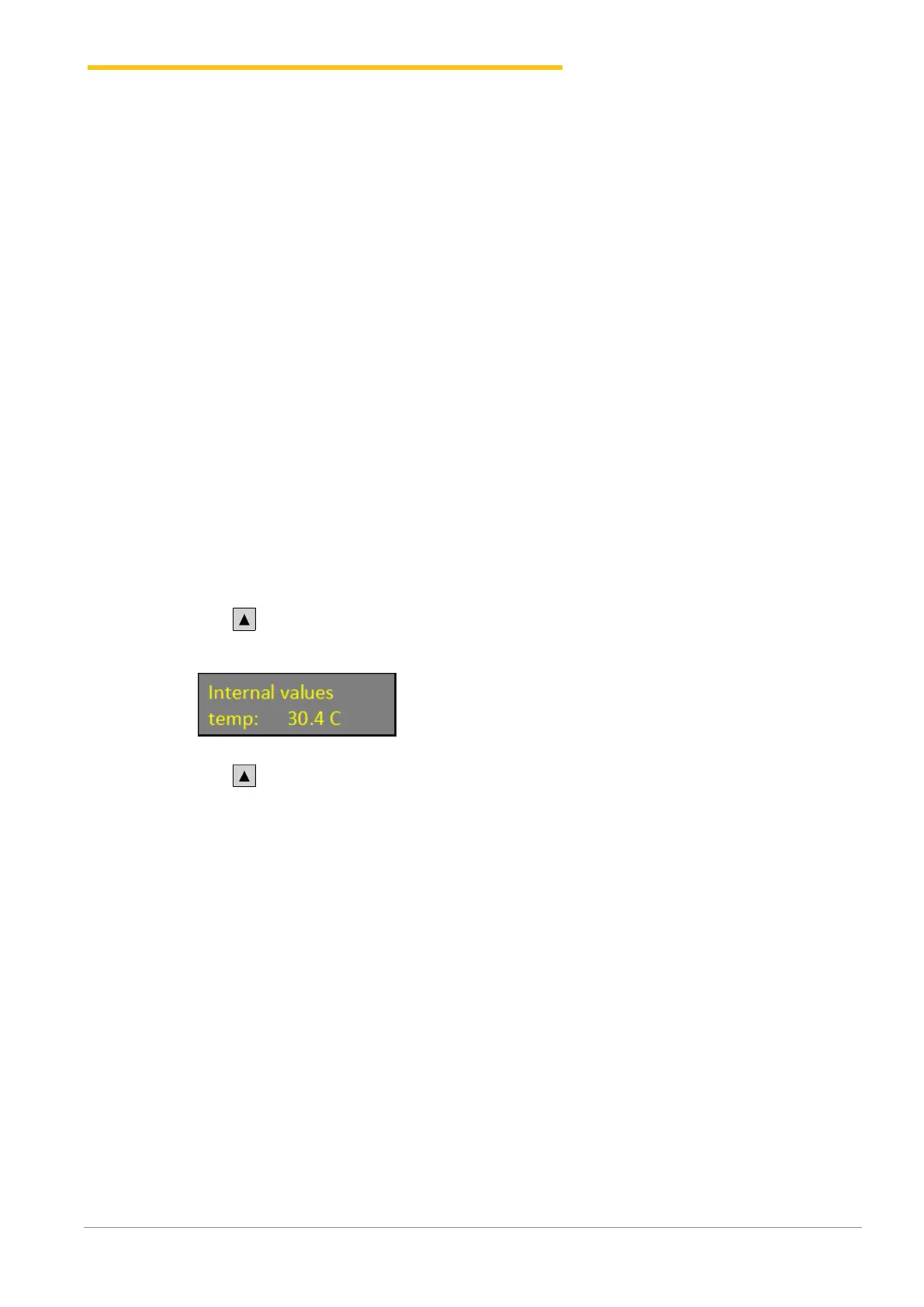
ð Display: «Internal values» the internal value (temperature) is displayed.
2. Press to display futher internal values.
ð The further internal values are displayed.
3. Press any button.
ð WeftMaster CUT-iT returns to «Standby mode».


 To Next Page