Recording:
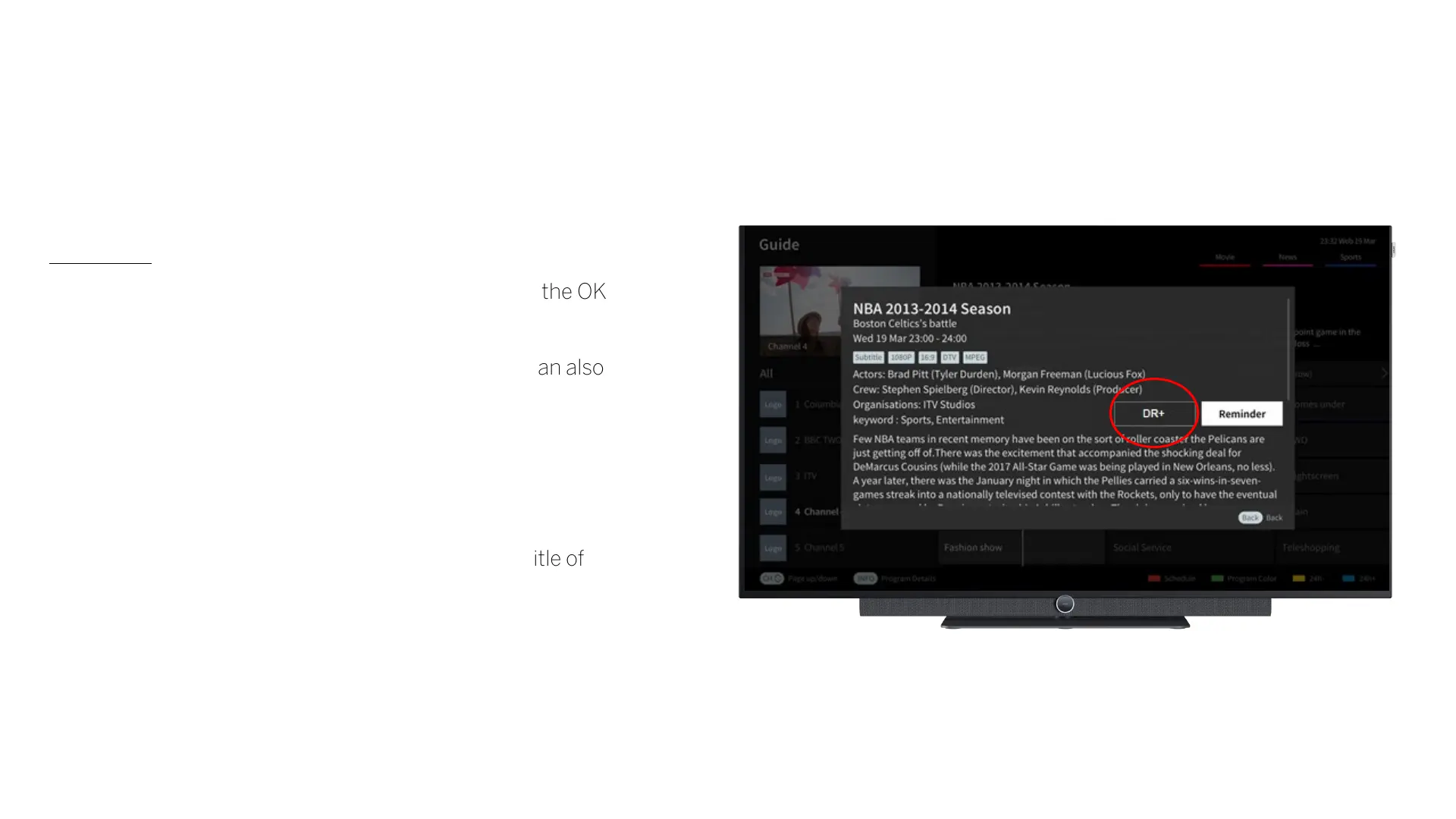
• For a recording, select the option "DR+" and press the OK
key.
• Here, the timer data, such as start and end time, can also
be checked again and adjusted.
• You can also specify that the recording should be
repeated.
• As soon as a recording has been programmed, a
recording symbol appears in the EPG behind the title of
the programme.
Loewe bild i.
EPG.



 To Next Page