• To start a recording, select "MENU" -> "DR+".
• Alternatively, a long press on the PLAY/PAUSE button (1) switches the
remote control's directional pad to navigation keys.
• By pressing the upper cursor key (2), a recording can be programmed
directly.
• You can get an overview of all recordings via "MENU" -> "Recordings".
• Scheduled recordings and reminders can be deleted at any time using the
"Edit" button. To delete a programming, select it and press the right cursor
button.
• Viewing recordings:
• In the menu via cursor left
• In the on-screen menu under the "Recordings" menu item
• Delete recordings: Select "Edit" -> select the entries to be
deleted -> use the cursor on the right to delete them.
• To play back a recording: Press the OK button
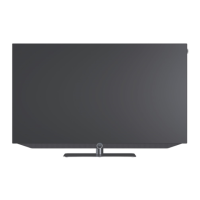
Loewe bild i.
Recording.
1 (Press and hold for 3 sec.)
2



 To Next Page