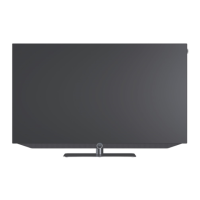
Loewe bild i.
GUI.
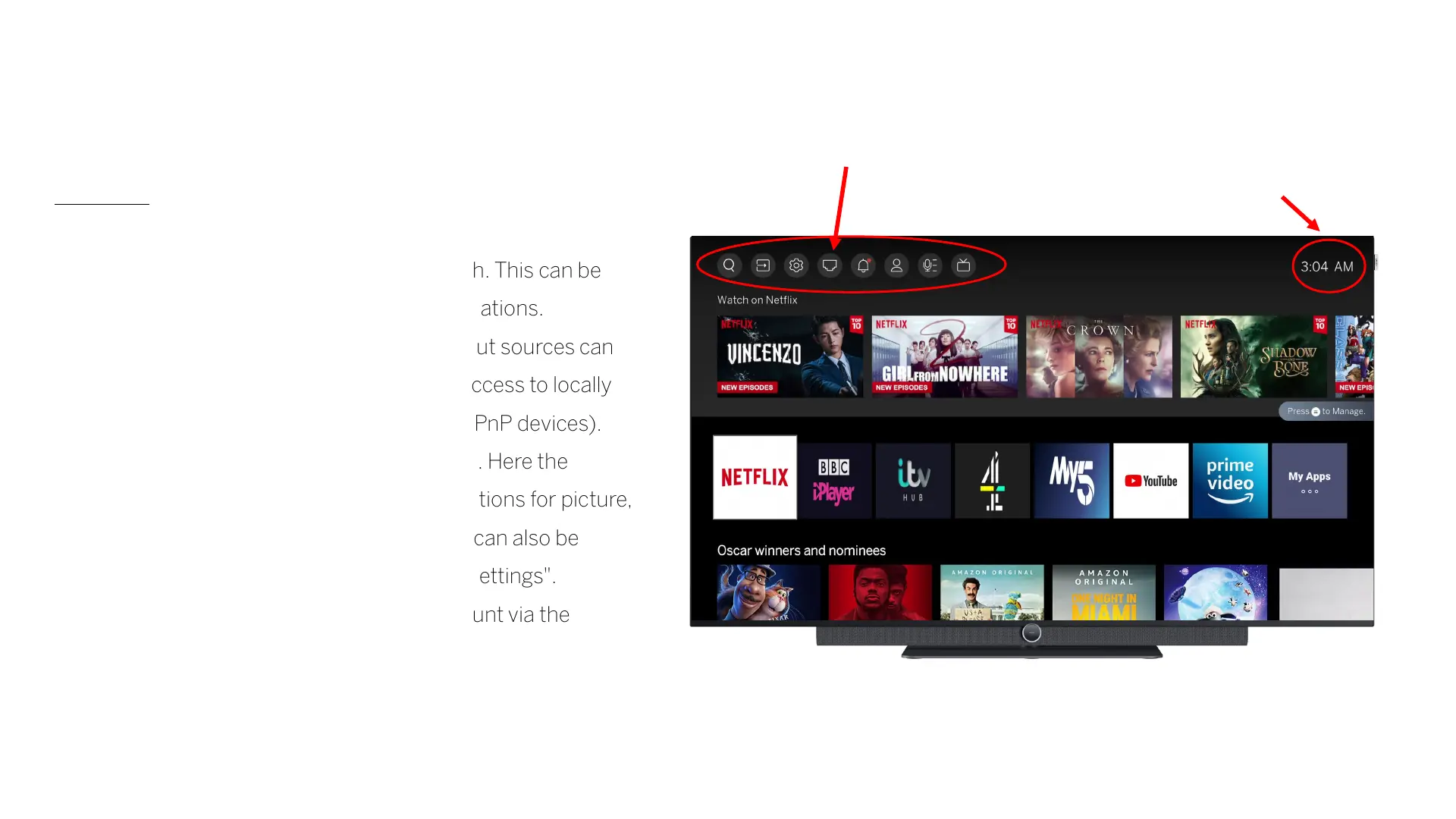
To p menu
- The first button opens the keyword search. This can be
used to search for keywords across applications.
- Under the second item "Sources", the input sources can
be selected or renamed. Here you have access to locally
connected devices (HDMI inputs, USB/UPnP devices).
- The next step are the system settings (3.). Here the
configuration menu opens with setting options for picture,
sound and network. The system settings can also be
called up in each source via "MENU" -> "Settings".
- The TV set can be linked to a VIDAA account via the
"Profile information" button (4.).
1.
2.
3. 4.
Time
display
Display the type of
network connection



 To Next Page