Favourites list:
• Up to four individual favourite lists can be created
• Add channels to a Favourites list:
• Press the „MENU“ key when the channel list is open
• Select the desired channel
• Navigate to the "Add to favourites" button with the cursor left.
• Select the Favourites list to which the channels are to be added.
• When the channel list is open, the desired favourite list can be selected by pressing the cursor right key and
selected with the down key.
• Confirm change to a favourite list with OK
• Save channels as favourites on the Home screen:
• Press the “Menu” button in the channel list
• Select the desired channels and select "Add to Home Screen".
• Channels are now available directly on the Home screen.
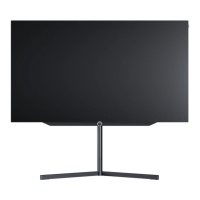
Loewe bild i.
Channel list and favourites.



 To Next Page