• Exchange built-in video:
• The bild i image video is already stored on all Loewe bild i TVs
• The video can be exchanged via USB stick.
• Create a folder with the name "StoreModeDemo" in the root directory of the USB stick. Copy the video file(s)
(*.mp4) with a maximum total size of 600MB into this folder.
• Connect the USB stick to the TV and select Menu -> Update built-in video.
• The videos are then saved in the TV and the existing ones are deleted.
Note:
To minimise the risk of burn-in on OLED panels, very short videos (< 1 minute) with long still images and static
inserted text should be avoided!
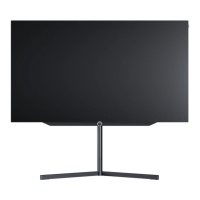
Loewe bild i.
Store mode.



 To Next Page