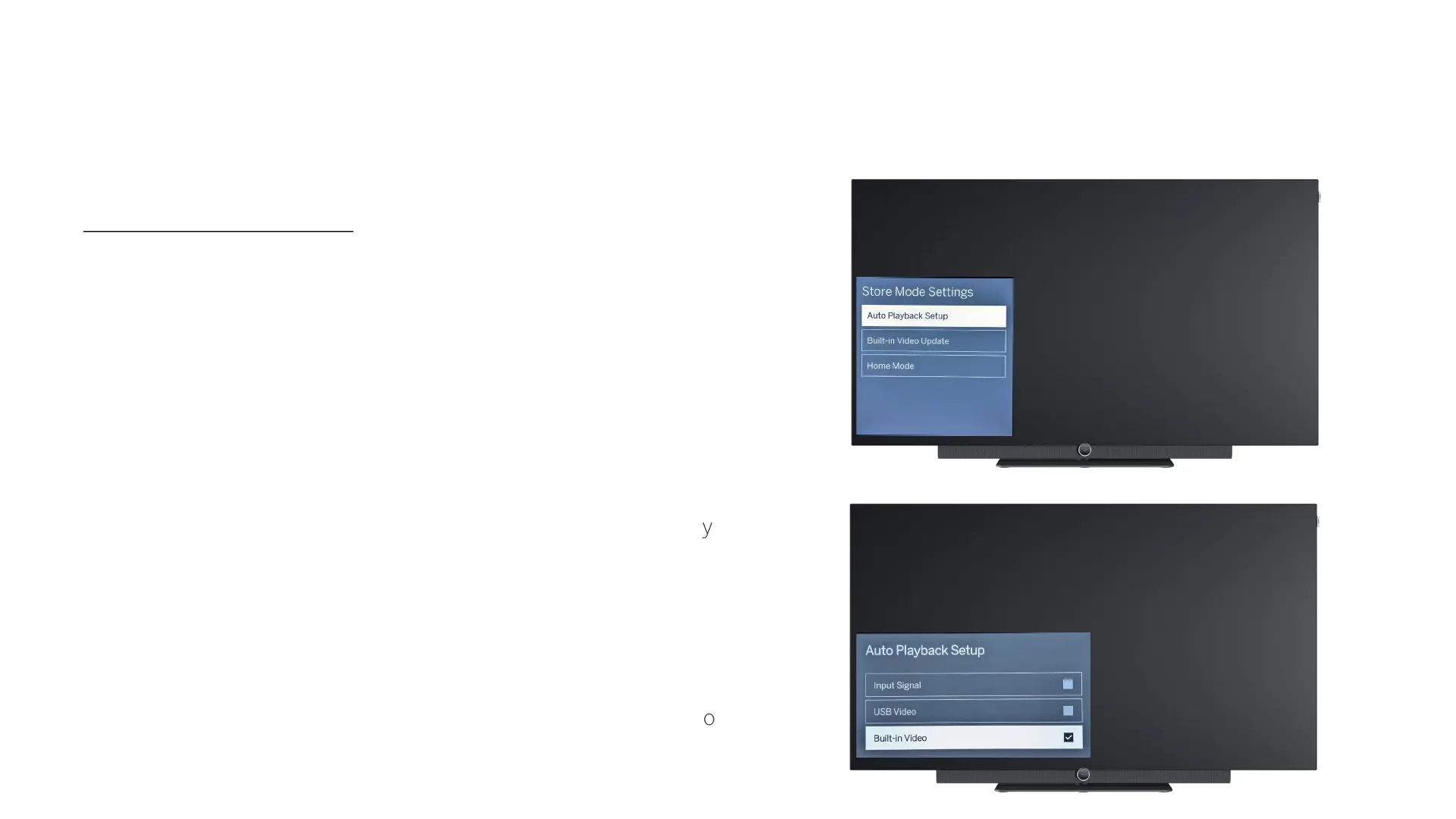
• Play video(s) via store mode:
• Menu –> Auto Playback Setup
• Input Signal
• The currently selected HDMI input or the current
DVB programme is displayed if an input signal is
present -> If this is not the case, the integrated
video is played.
• USB Video
• Playback of all videos that are in the root directory
of a connected USB stick.
• Built-in Video
• Playback of the image video stored in the TV
• If USB video and built-in video are activated, first the
videos from the USB stick and then the integrated video
are played in an endless loop.
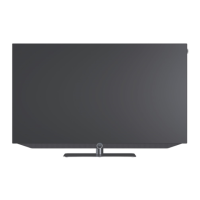
Loewe bild i.
Store mode.



 To Next Page