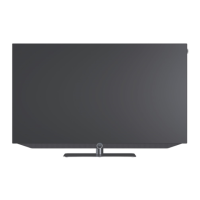
Loewe bild i.
GUI.
The Loewe os7, which is used from the bild i onwards, has a
different look than the previous systems. Nevertheless, parallels
can be seen again and again.
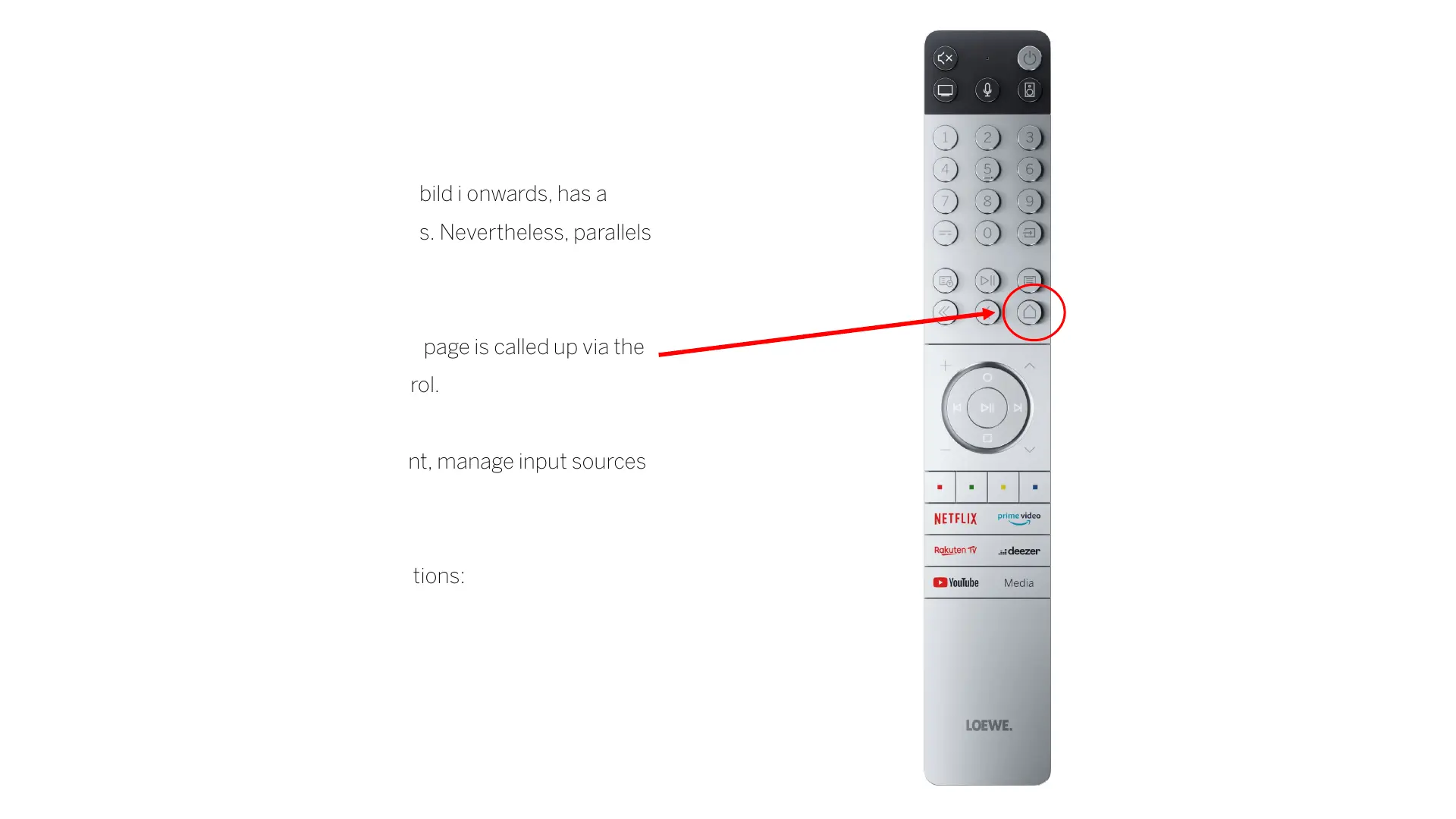
The start menu as the central overview page is called up via the
start menu button on the remote control.
In the menu, you can search for content, manage input sources
or make system settings.
The start menu is divided into four sections:
• Top menu
• List of recommendations
• List of apps
• Additional lines



 To Next Page