Channel list:
• Open the channel list with the OK button
• Channel list can be filtered according to personal preferences
• Press the right cursor key and select the filter symbol with OK.
• Filtering according to various criteria, e.g. "Radio stations only", or "Free stations only".
• Edit channel list:
• Press the cursor right and select "Edit" at the bottom right of the channel list.
• The channels to be moved or deleted can be selected as desired with OK
• Move channels:
• Press cursor-left and select insertion position
• Confirm move with OK
• Several channels can be moved at the same time
• Delete channels from list:
• After selecting the channels, press the right cursor key and confirm the deletion with OK.
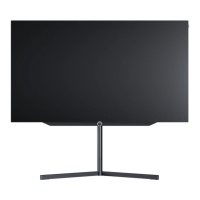
Loewe bild i.
Channel list and favourites.



 To Next Page