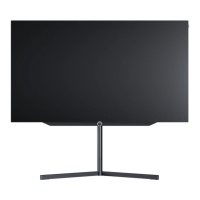
The Loewe bild i is equipped with an integrated hard disk and the "Permanent Timeshift" function as
standard.
After each programme change, the programme is automatically recorded directly in the background so that it can
be rewound at any time.
• Press the PLAY/PAUSE button or the left/right cursor to pause the live TV picture at any time.
• Pressing the PLAY/PAUSE button again resumes playback.
• Cursor left/right: current playback position is displayed
• The virtual buttons can be used to pause, resume, fast-forward and rewind again
• Move the cursor to the time bar and select the playback position via cursor left/right.
• STOP button: End Timeshift
• Record button: Start recording
Note: By pressing and holding the PLAY/PAUSE button on the remote control, the control ring turns into drive
buttons that can also be used to rewind, pause, stop or start a recording. In this mode, the control ring is
illuminated with the respective symbols.
Loewe bild i.
Timeshift.



 To Next Page