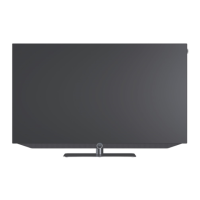
Loewe bild i.
GUI.
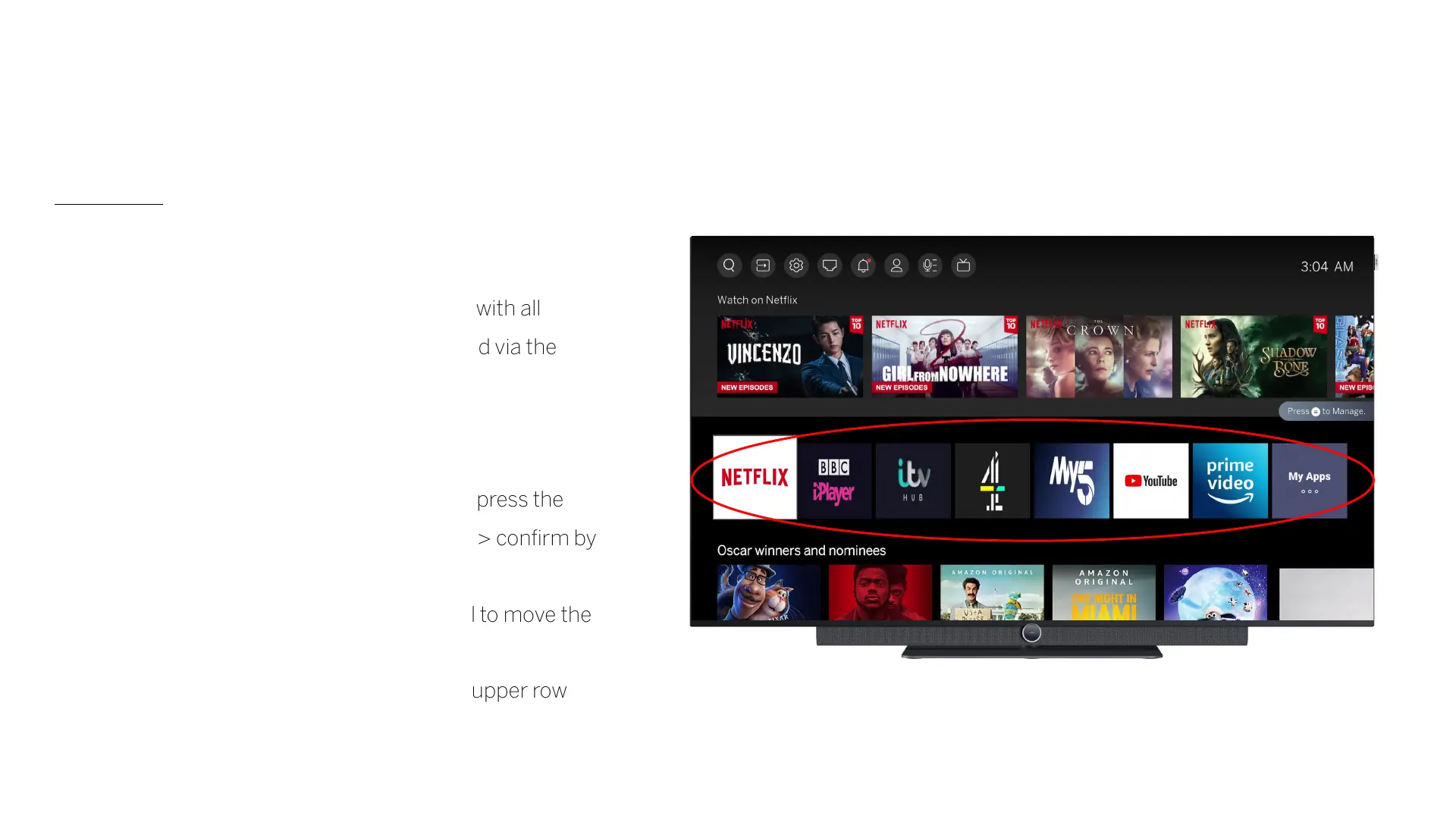
List of apps
The third line lists the favourite apps.
The "My Apps" tile gives access to the library with all
installed apps. Additional apps can be installed via the
App Store.
Add applications to the Start menu:
Open “My Apps" -> select the desired app -> press the
"Settings" button -> select the "Sort" option -> confirm by
pressing OK.
- Use the arrow keys on the remote control to move the
apps in the list.
- Move the desired app to a position in the upper row
and confirm with OK.
- The app now appears in the start menu



 To Next Page