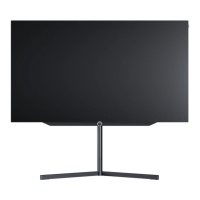
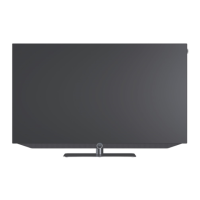
• The store mode in the Loewe os7 has similar functions to the dealer mode of the previous systems.
• Activate store mode:
Menu –> Settings –> System –> Advanced settings –> Home mode –> Store mode -> Confirm
• In store mode, the specified source or the configured video (see slide 26) is played in an endless loop.
• Playback is started automatically when the TV is switched on or after an interruption (e.g. with the Exit key) after a further
3 minutes.
• In addition, the TV switches on automatically with the power supply.
• Exit store mode:
Menu -> Home mode -> Confirm
Loewe bild i.
Store mode
.



 To Next Page