Connect ID 40-55 DR+
User guide
109
System settings
Control
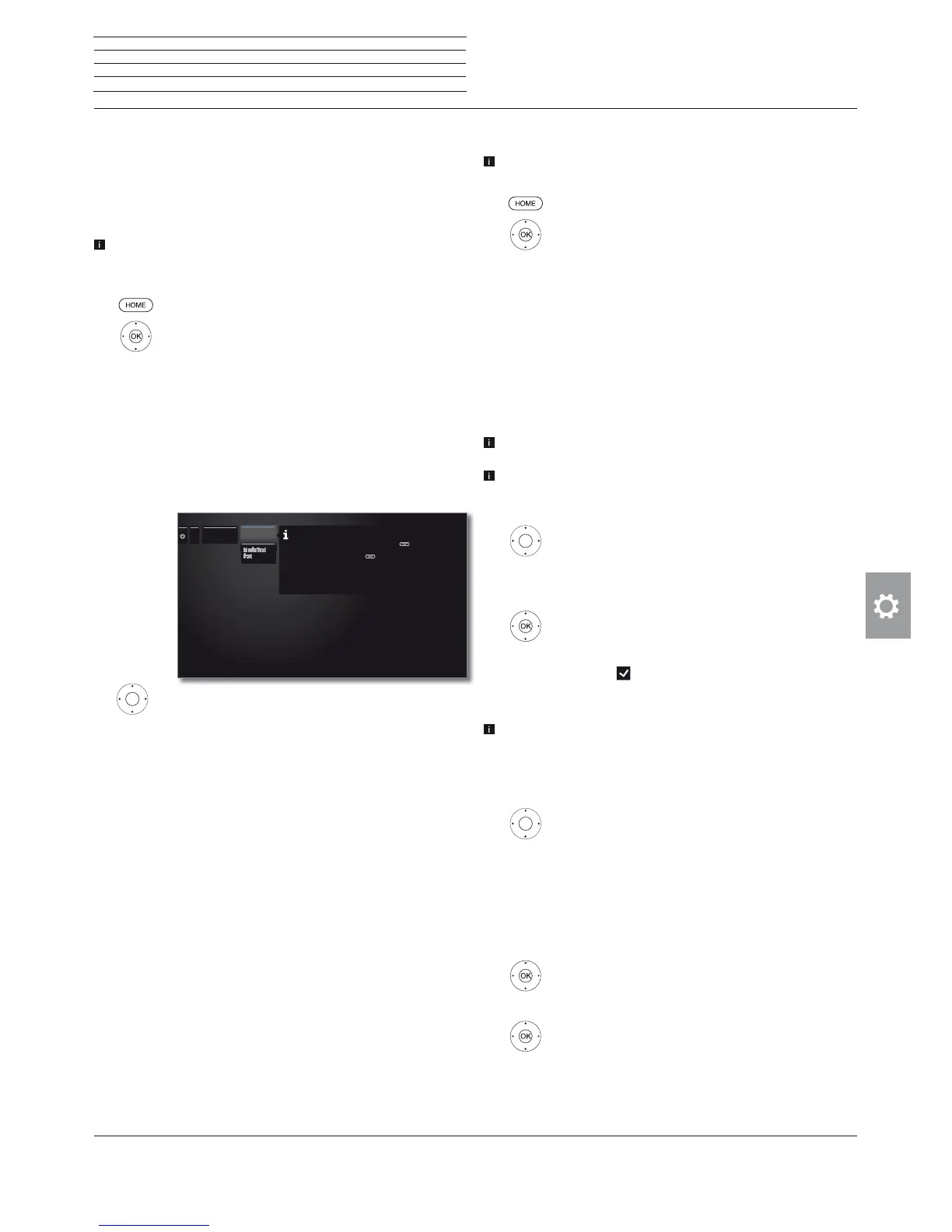
Feature of the TEXT key
With the setting Standard Teletext first (factory setting), the
standard Teletext is opened when the TEXT key is pressed for the
first time. Pressing the TEXT key for a second time will then display
the MediaText. Pressing the TEXT key for a third time will bring you
back to the TV picture. If MediaText first is selected, the TEXT key
will do the exact opposite.
Depending on the programme provider, the direct Call of MediaText
may not be possible. MediaText must then be opened by means of
the HbbTV application.
HOME: Call Home view.
Mark System settings,
OK call System settings.
Mark Control,
go to next column.
Mark more ...,
call other settings.
Mark HbbTV,
go to next column
Mark Function of the TEXT key,
call.
Select Standard Teletext first or MediaText
first.
......
Function of
the TEXT key
Standard
teletext first
If MediaText is available for the selected channel and the
"Standard teletext first“ option is highlighted, standard
teletext will be opened the first time you press the
button. Pressing the button for a second time will then display
the MediaText. Pressing the button for a third time will
bring you back to the TV picture. If „MediaText first“ is
selected, then the button does the exact opposite (i.e. displays
MediaText first and standard teletext upon pressing the
button for a second time).
CA module(s)
This menu is only available when at least one CA module is plugged
in.
HOME: Call Home view.
Mark System settings,
OK call System settings.
Mark Control,
go to next column.
Mark more ...,
call other settings.
Mark CA module(s),
go to next column.
Station mapping
If two CA modules are both used for the decoding of stations, you
decide here which station shall be decoded by which CA module.
The station mapping settings will only be taken into account, if two
CA modules are inserted.
This statement refers explicitly to the CI slots of the TV set and not
to the modules plugged into it! When the modules are exchanged,
the mapping must be repeated.
Mark Station mapping,
call station list.
Select CA module for mapping.
Mark the station,
OK map station to the selected CA module / cancel
mapping.
The icon
indicates mapped stations.
Saving the PIN for recordings
This menu item is only available if a CI Plus CA module is inserted
into one of the two CI slots of the TV set that supports the recording
of broadcasts with parental lock.
Store the programme provider PIN belonging to your CA module in
order to decode CI plus programmes with parental lock for recording.
mark Saving the PIN for recordings,
call PIN entry box.
Mark the desired CA module in the
headline.
Go to the PIN entry box, enter the programme
provider PIN using the numerical keys.
Or:
Mark figure,
OK adopt figure to input line.
Conclude the entry:
Mark Adopt,
OK save PIN.











 To Next Page