Connect ID 40-55 DR+
User guide
116
System settings
Connections
Connections
Settings for the connection of external appliances are made in this
menu.
The menu item Connections is not available while a timer record-
ing is active.
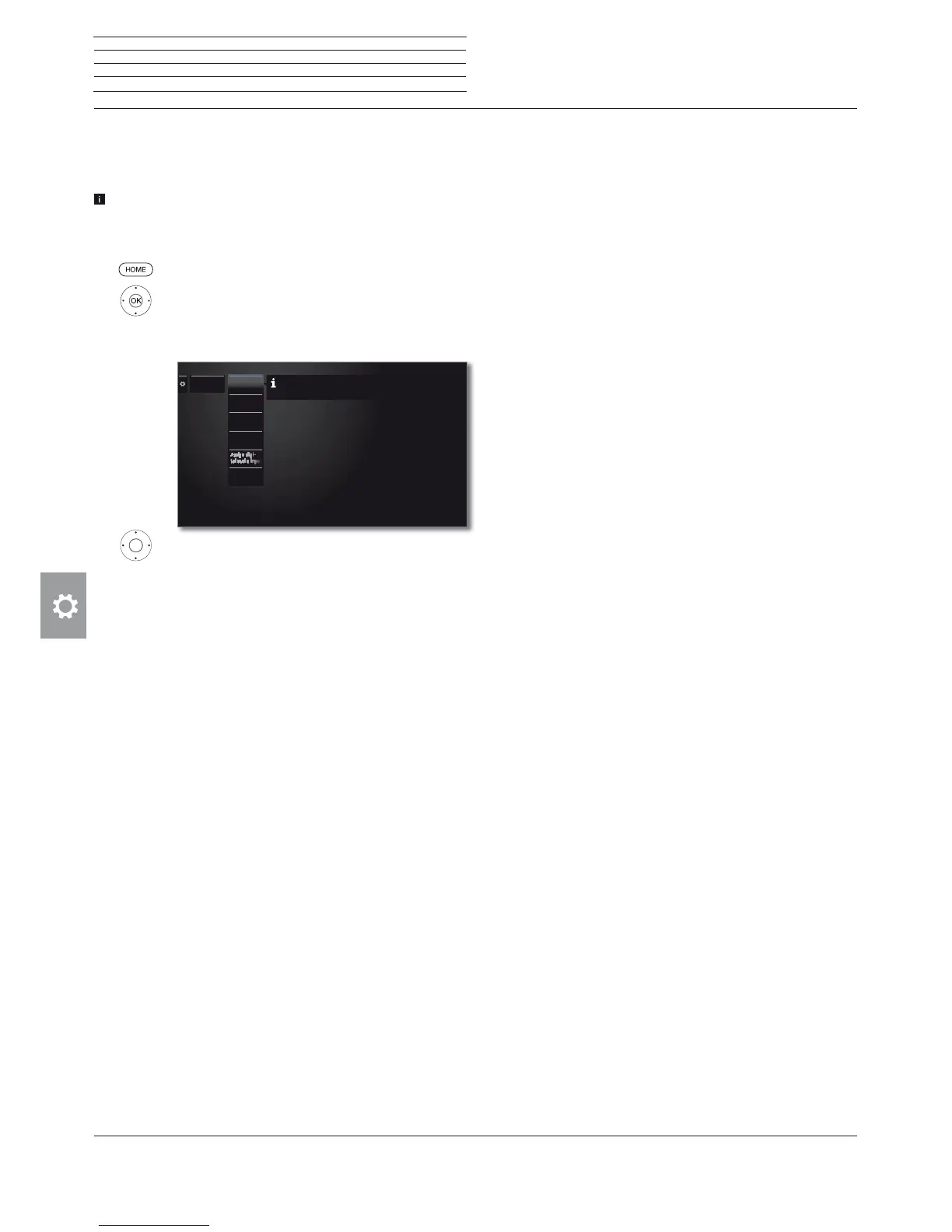
Calling the connections menu
HOME: Call Home view.
Mark System settings,
OK call System settings.
Mark Connections,
go to next column.
Select desired settings.
Explanations of setting possibilities in the Connections menu:
Sound
components
The sound components wizard helps you to confi-
gure the components that are used to reproduce
the TV sound.
Antenna DVB
Here you can set the parameters of the DVB-T and
the DVB-S antenna with the antenna wizard.
AV
connecting
settings
In the AV connecting settings the parameters for
the AV and AVS connection sockets can be adapted.
Digital Link
All settings for Digital Link are made here.
Assign digital
audio input
You can assign the digital audio input socket (SPDIF
IN) to an AV input (AV, HDMI, AVS, etc.) here.
Gaming
mode
Here you can set a faster display of your activities on
the screen for various inputs of the TV set, e.g., for
games consoles.
Connections
Sound com-
ponents
Antenna
DVB
AV connect-
ing settings
A wizard guides you step by step through the
configuration of your sound reproduction components.
Digital Link
Gaming
mode











 To Next Page