Connect ID 40-55 DR+
User guide
42
TV
Teletext
Newsflash
Some text pages, e.g., live tickers, will be permanently updated. In
order to keep track of changes and also to be able to watch the TV
programme at the same time you may hide the Teletext temporarily
and can still remain informed on updates of the page.
Mark
Newsflash,
confirm with OK.
The future behaviour of the News function depends on the type of
the Teletext page:
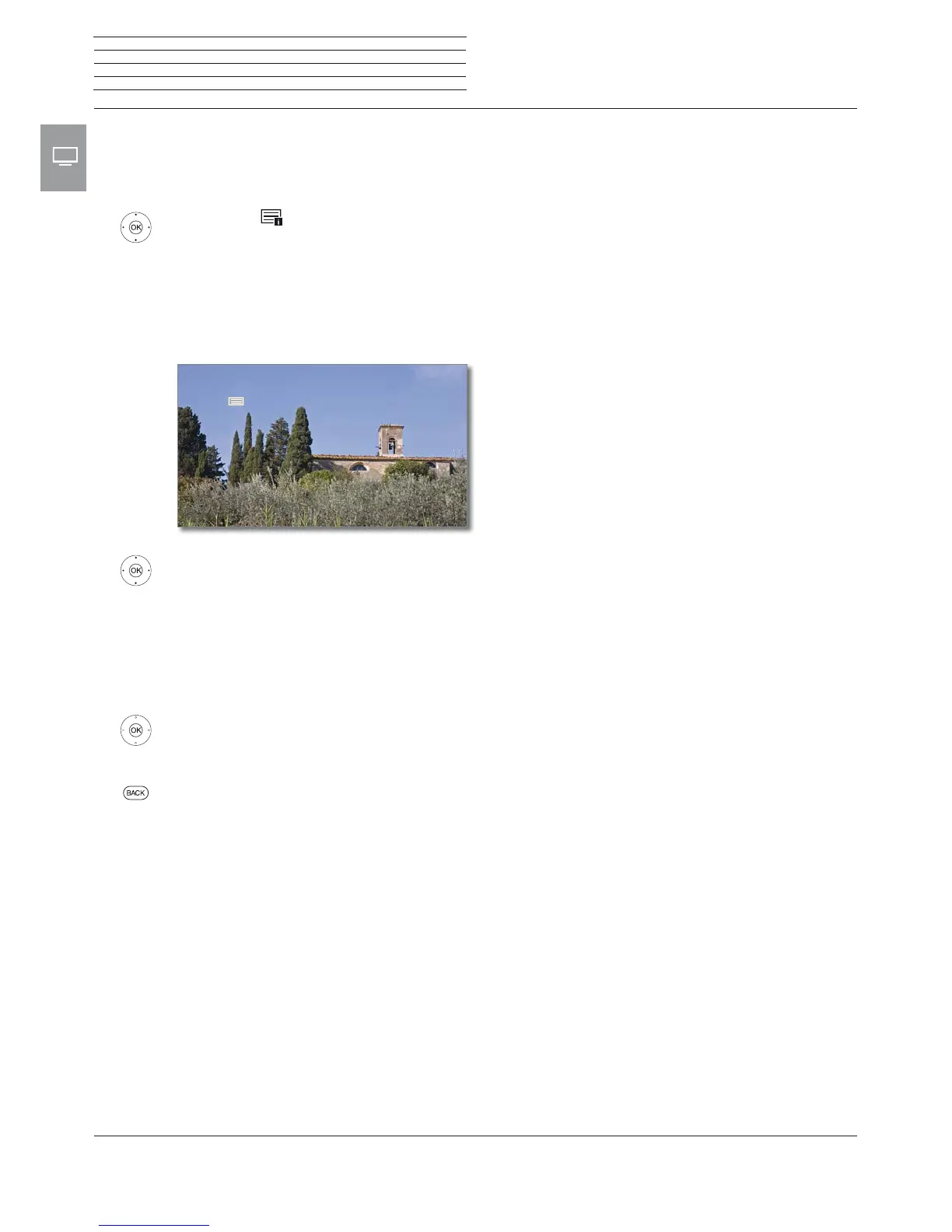
In case of Full screen Teletext pages the Teletext will be hidden. In
the upper left corner, there will be a symbol for the activated news
function. A screen message appears when the contents of the page
has changed:
Show updated page,
yes or no.
OK Confirm selection.
In case of Teletext pages which cover only a part of the Teletext page,
e.g., News tickers, the respective part will be faded in and permanently
updated.
End News function
OK show Teletext again.
Or:
BACK: exit Teletext.











 To Next Page