Connect ID 40-55 DR+
User guide
66
Audio/Radio
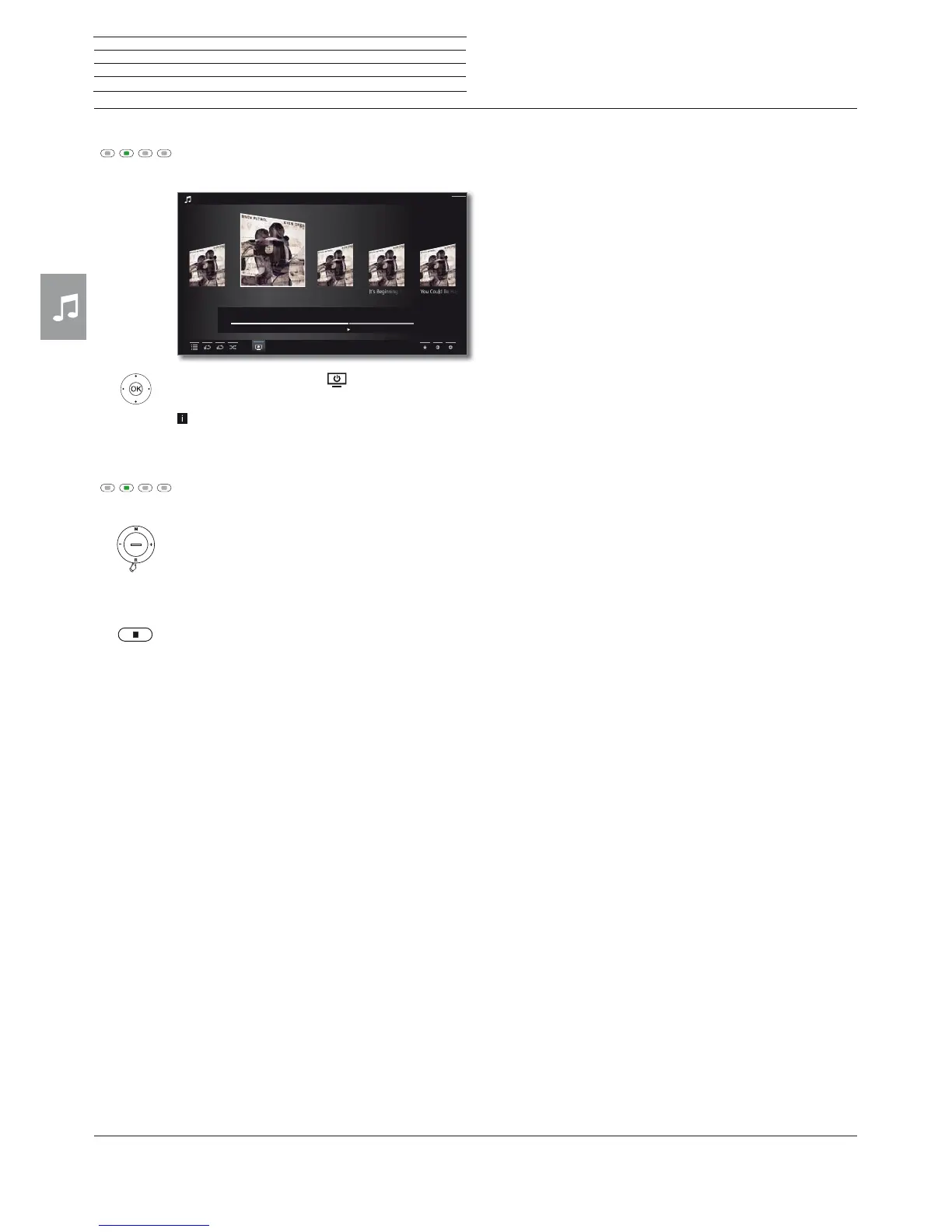
Switching the screen ON/OFF
Green key: Switch screen OFF.
Or:
Mark Screen off
,
OK Switch screen off.
Switching off the screen reduces the power
consumption of the TV set.
Switch on the screen with the remote control:
Press green key.
Switch on the screen on the TV set:
Press R on the ring cursor on the TV set.
Ending playback
STOP key: End playback and return to music selec-
tion.
Chasing Cars Shut Your EyesHands Open
Snow Patrol / Eyes Open
00:00
02:56
04:27
Back











 To Next Page