8
FL38 (LC-15A2L)
ADJUSTING PROCEDURE OF EACH SECTION
[1] Entering the MAIN side adjustment process mode
There are three methods below.
1) Press the “Adjustment process key” on the remote control after turning on the power.
2) Pressing both the M key and the TV/VIDEO key on the main body, turn on the power. Then, press the volume
DOWN key and the tuning UP key at the same time.
3) Turn on the power with falling either KEY4 (pin 81 of microprocessor) or KEY5 (pin 82 of microprocessor) to “L”.
[Note] For the method 3), the ROM is initialized at the same time. Therefore, 3) must be executed if IC2004 or
IC2001 is changed. For 1) or 2), the main body only enters the MAIN side adjustment process.
[2] Entering the TUNER side adjustment process mode
4) Entering the TUNER side adjustment process
MENU key on the main body Tuning UP key (remote control)
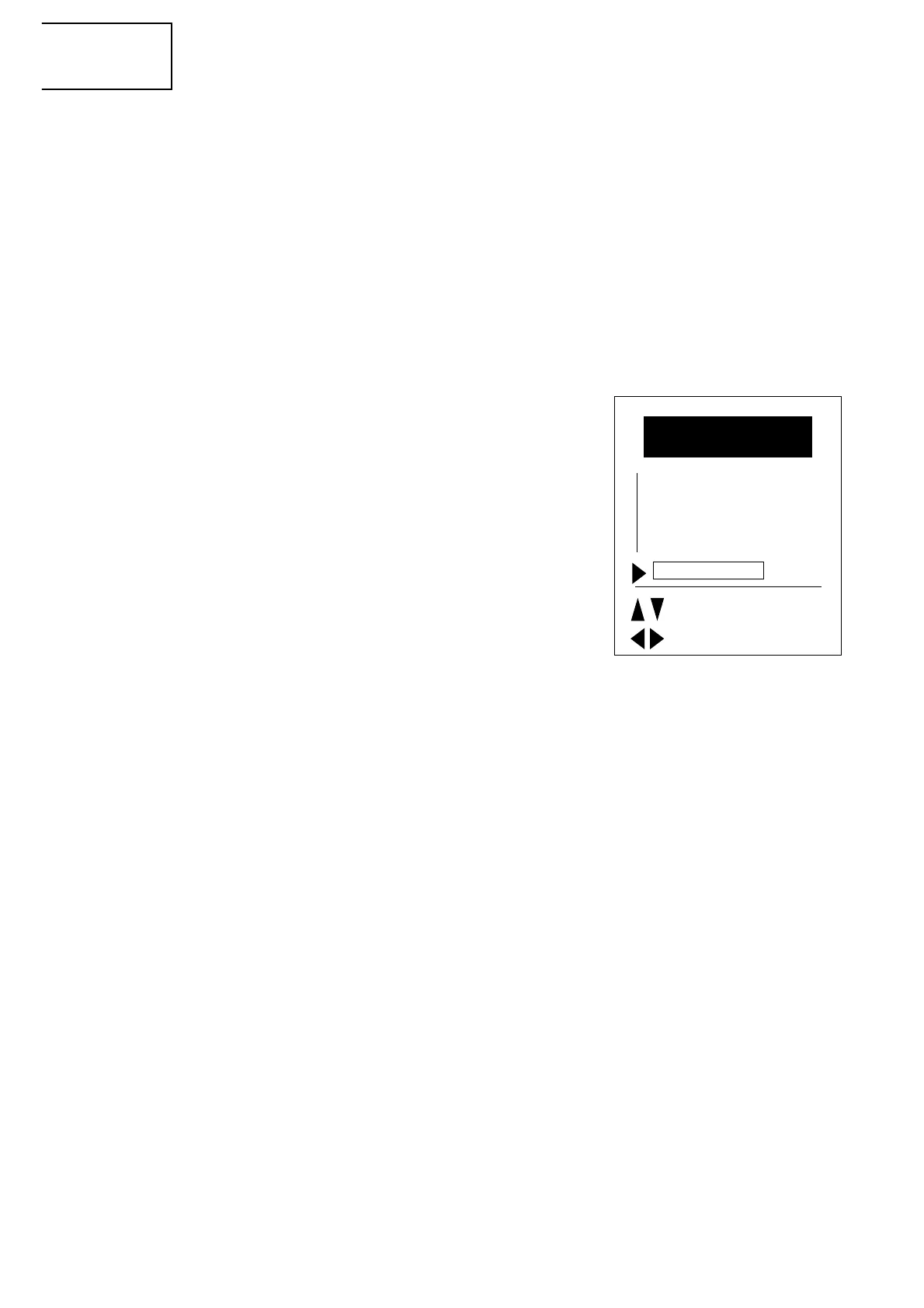
Select the position shown in the figure below and press the M key
(remote control) within 1 second. Enters the adjustment process.
[3] Adjustment
MAIN side adjustment (Press the “M” key to move the cursor and
press the volume UP/DOWN key to make an adjustment.)
• Power supply voltage adjustment (+B 5V)
• Model setting
• Inch size setting
• COMMON BIAS adjustment of LCD module
• CUTOFF adjustment
TUNER side adjustment (Press the tuning UP/DOWN key to move the
cursor and press the volume UP/DOWN key to make an adjustment.)
• Horizontal size adjustment (LCD adjustments)
• Video adjustment (other adjustments)
Y delay
Subcontrast
Subcolour
Subbrightness
Tint offset
The TUNER side adjustment is possible. However, it is recommended to replace EAROM (I2).
3-1. +B adjustment
Page 9 of MAIN side adjustment process +B-ADJ
Adjust the voltage of the pin 49 of SC401 to 5.0 ± 0.05V.
3-2. Model setting
Page 9 of MAIN side adjustment process MODUL
Set to A2L.
3-3. Inch size setting
Page 9 of MAIN side adjustment process INCH SIZE
Set to 15.
3-4. COMMON BIAS adjustment of LCD module
Page 9 of MAIN side adjustment process COM BIAS
Input the picture of gray scale and adjust it so as to obtain the best contrast.
3-5. CUTOFF adjustment
Page 9 of MAIN side adjustment process R CUTOFF, B CUTOFF
Adjust it so as to obtain the optimal colour balance.
Picture Adjustment
Contrast
Colour
Service
: select
: change
M: Back
E: End
Direct control at TV










 To Next Page