User Manual
LogicS-2 / LogicS-3
Page 12/33
9. Detach the control box again.
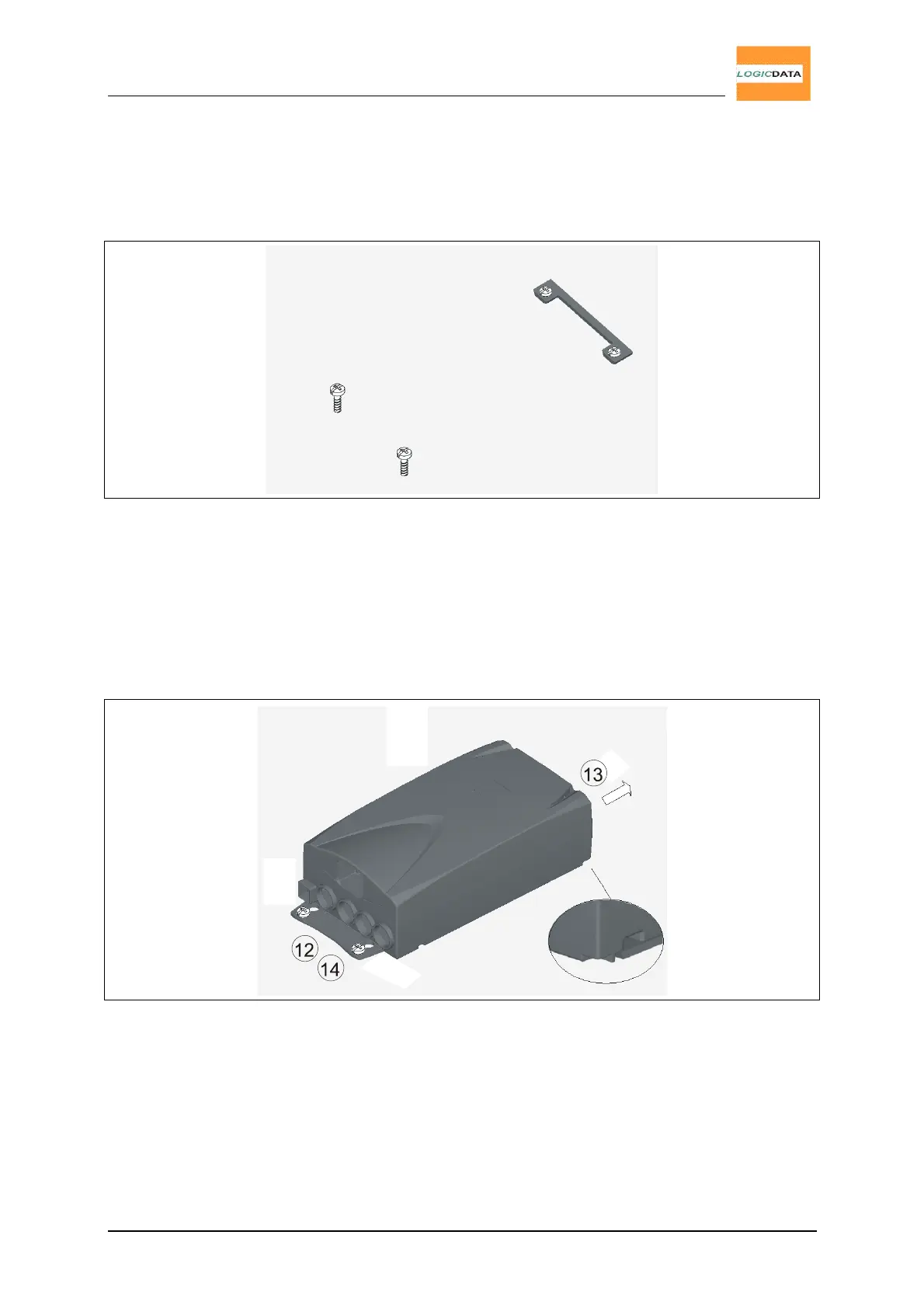
10. Pre-dril these 2 holes.
11. Screw-in the remaining 2 screws halfway into the 2 drill holes.
Fig.6 - Step 11
12. Attach the control box again.
13. Slide the LogicS control box onto the mounting plate again so it is fully inserted in
the control box housing.
14. Carefully tighten the 2 screws on the frontside.
Fig.7 – Steps 12., 13., 14.


 To Next Page