TOUCH FAMILY - OPERATING MANUAL // PAGE 20
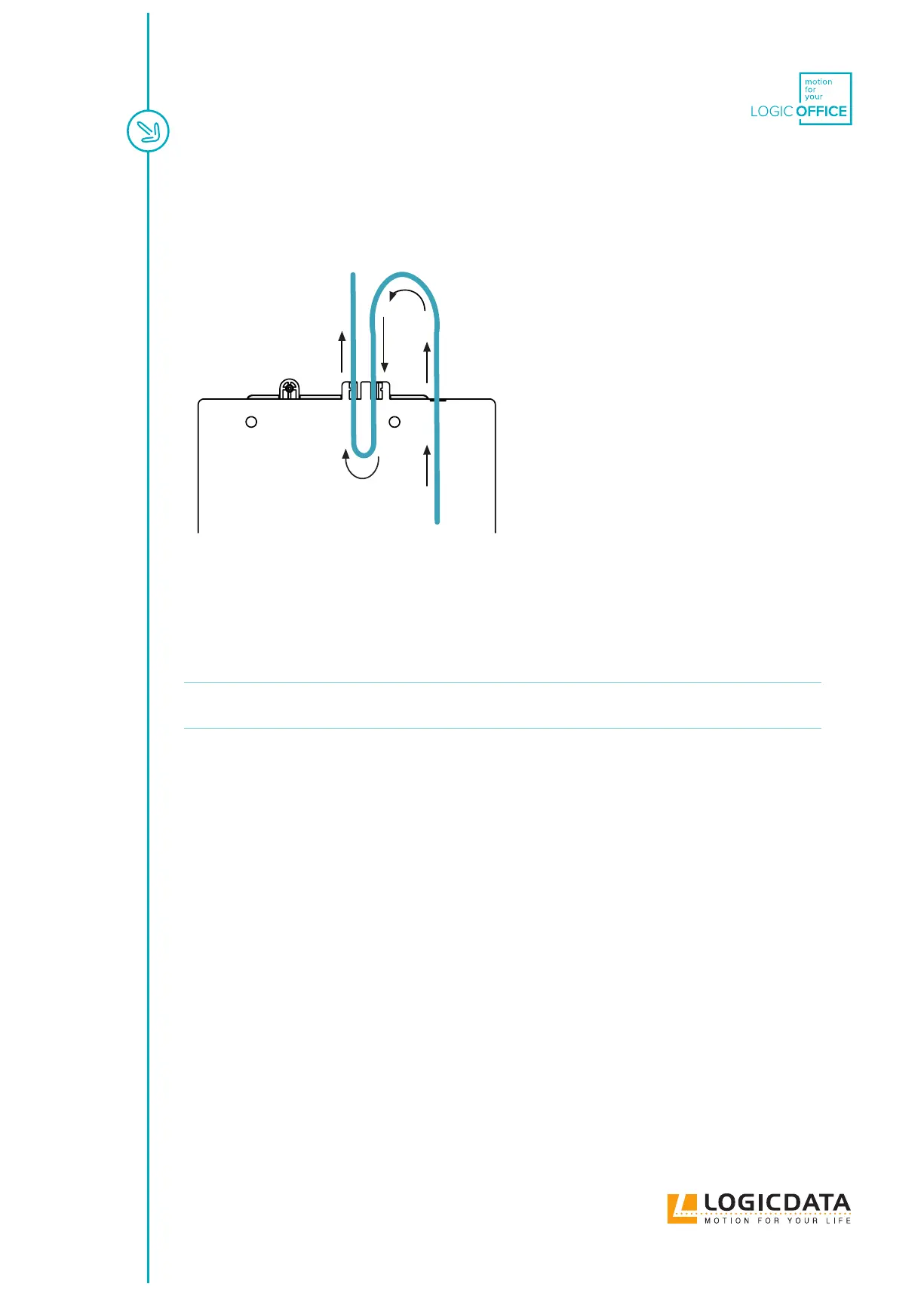
2. Ensure the cable is routed correctly. For correct operation, a 10cm Cable Loop must be routed.
Use the Cable supports on the back edge of the Control Box to help you do this (Fig. 12).
Fig. 12: Creating a Cable Loop
3. Use the screwdriver and 4 Mounting Screws to attach the Handset to the Table Top at the
marked drilling points.
NOTICE
The required tightening torque depends on the material of the Table Top. Do not exceed
2 Nm.
6.3.3 COMPLETING ASSEMBLY
After the TOUCHdown is attached to the Table Top, you must connect the Cable to the Control Box. Refer to
the manual for your chosen Control Box for instructions.



 To Next Page