17
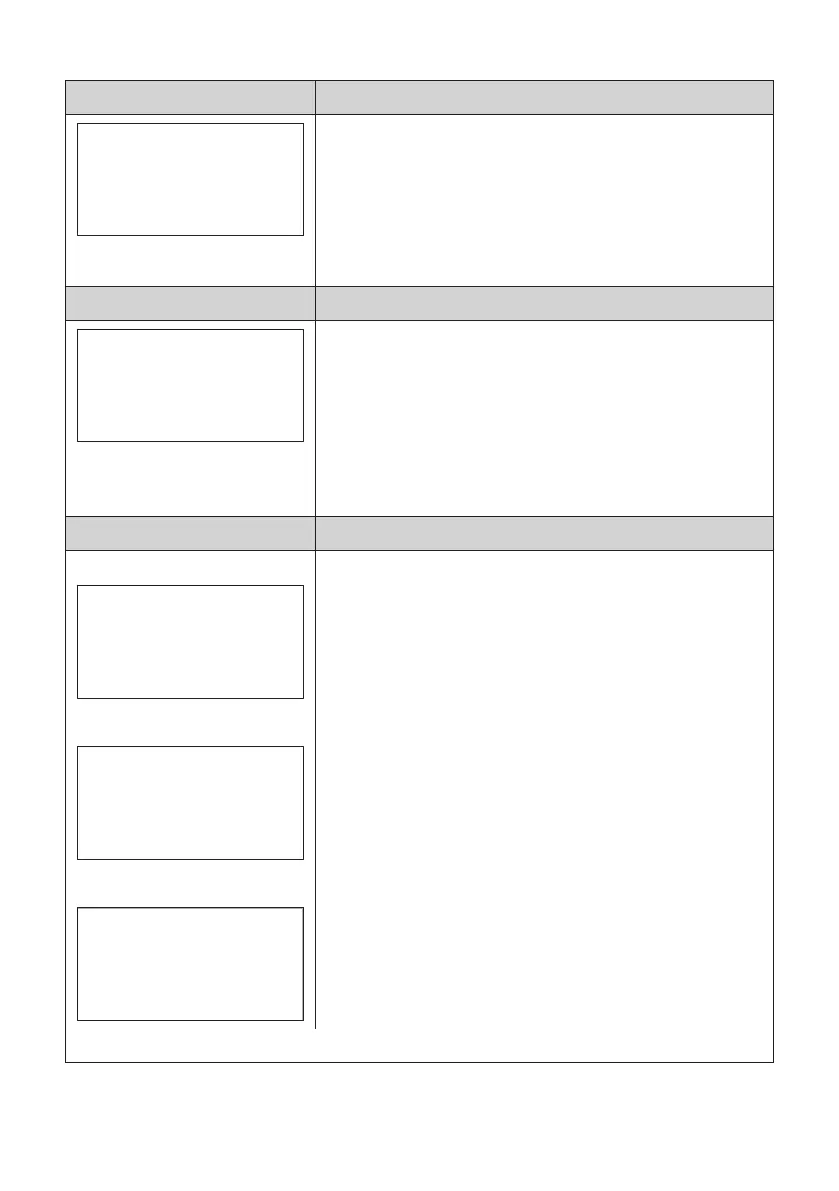
Display information - The service buttons three functions:
1. Service Mode One
O 02017.1
T +24.1
P 1026
% 020.66
e 0000
Up-time: 1568h
Cal-time: 287h
CAL 0.00% (OFF)
One short push:
a. Reading of sensor element data, total run-time of the
O2-sensor, time since the last Calibration and readout of
the correction factor (CAL) for the automatic background
calibration (AUTO-CAL) function – if AUTO-CAL is activated.
b. To return to “normal display view”, push the button short or
wait for 30 seconds.
2. Service Mode Two
O 02017.1
T +24.1
P 1026
% 020.66
e 0000
Up-time: 1568h
Cal-time: 287h
CAL 0.00% (OFF)
*
In the “normal display view” push and hold the button for 10
seconds:
a. Reset of the correction factor (CAL. RESET!) for the
automatic background calibration (ABC) function – if ABC is
activated. Release the button.
b. To return to “normal display view”, wait for 30 seconds.
c. In this mode it is possible to go to Service Mode Three.
3. Service Mode Three
Entering Service Mode Three
O 02017.1
T +24.1
P 1026
% 020.66
e 0000
Up-time: 1568h
Cal-time: 287h
...
*
Service Mode Three
Calibration
Press the button to start
the calibration
Service Mode Three calibration
Calibration
Executing calibration
Calibration*: In the “normal display view”, push and hold the
button for 10 seconds:
a. When the asterisk (*) in the upper right corner of the display
is lit, push the button shortly. Repeat this five times in a row
to enter the Calibration mode. For each correct push of the
button, a dot will be lit in the lower left corner. If an incorrect
push happens, the procedure starts over again. The reason
for this advanced way to enter the Calibration is to avoid
unintentional calibration.
b. If no further actions is performed for 1 minute, in Calibration
mode, the O2 Sensor will go back to Service Mode One.
c. The instructions in the display will say Push the button to
start the calibration. Push the button short and a 90 second
timer starts counting down. If the calibration is successful,
the display will show “Calibration OK” and go back to Service
Mode One, for 30 seconds, and then go to “normal view”.
If the display says “Calibration Error”, try to ventilate the room
more and make a new calibration. If the calibration still fails,
replace the O2-sensor.
* Calibration - Only to be performed by trained and certified service personnel.


 To Next Page