25
9.12 Error alarm codes (shown in the Central Unit display):
Fault message Measures
Out of range! O2-measuring fault.
Sensor error! Internal fault in O2-Sensor.
Lost sensor! Communication error. Check red cabling and connectors. Check affected O2
Sensors ID- number.
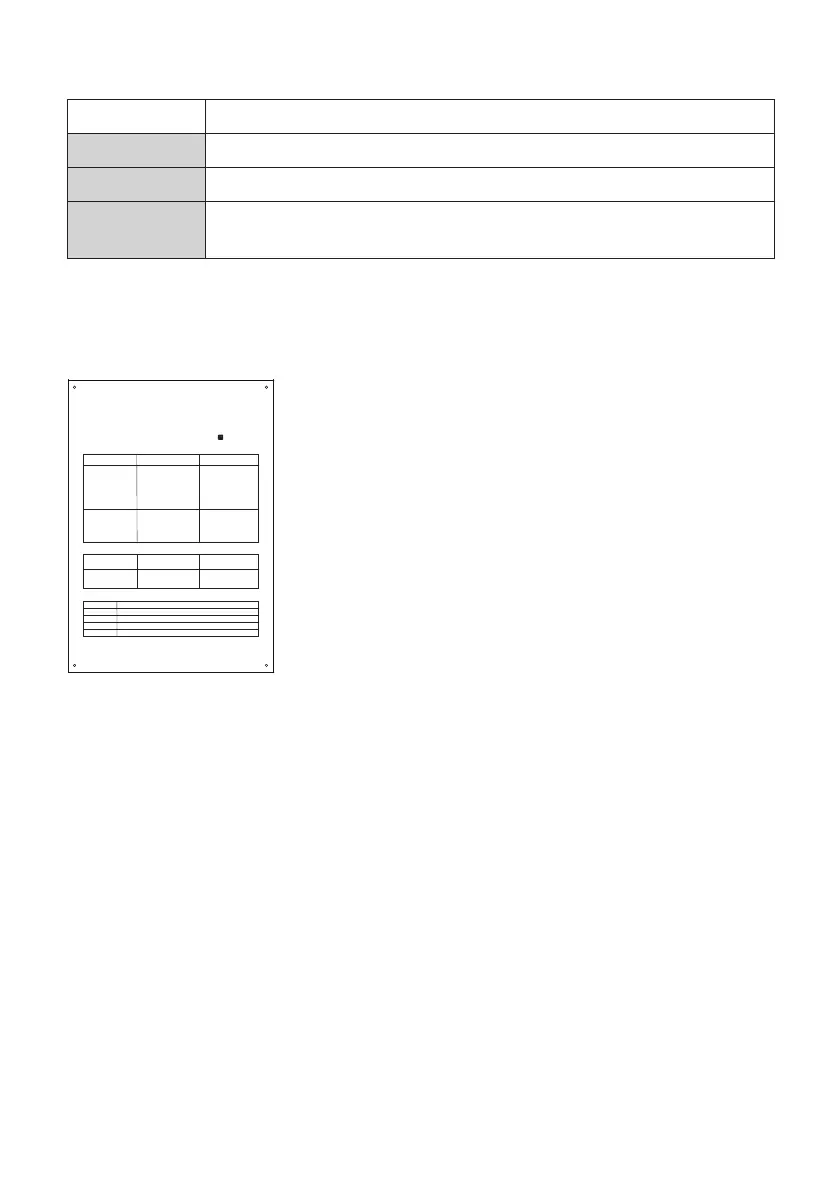
9.13 Mk9 Central Unit, Warning Sign
The sign for the Mk9 central unit should be mounted in a permanent way next to or above the unit.
9.14 Mk9 Central Unit, Specifications
Supply: 24V DC
Current consumption: No alarm status: 21 mA
Alarm status: 32 mA
Communication: RS485, Modbus
Display: Graphical 128x64, backlit
Acoustic signal-strength: 80 dBa (1m) max.
Ambient temperature: 0 to +40°C (+32°F to +102°F)
Humidity: 0-90% non-condensing
Approval: CE: Emission tests according SS-EN 61000-6-3 and the immunity
tests according to SS-EN 61000-6-2.
Manufactured in accordance with DIN 6653-2.
The O2 Safety System is tested by the German TÜV-Rheinland.
Certified by UL.
Dimensions (LxWxD): 90 x 161 x 38 mm / 3.5” x 6.3” x 1.5”
Ingress protection: IP44
INDICATION CAUSE ACTION
Central Unit:
• The red diode is ON
• Constant sound signal
Display:
• Sensor number, O2 % and
Gateway Alarm A
ALARM
!
TAK E P RE CAUTIO NS
Low concentration of O2
DO NOT ENTER
the risk zone.
Evacuate the area if
O2 level is under 19.5%.
Central Unit:
• The yellow diode is blinki ng
• Beeping sound signal
Display:
• Sensor number, (Fault
information)
SYSTEM FAULT
Check the manu al, communication
cables and O2-Sensor.
If no fault is found, call service.
Phone: .....................................
After an alarm, always reset
the system.
ALARM RESET
ALARM TEST
Press reset but ton until ”Testing
system...” is shown in the display.
Sensor Place
1
2
3
4
O2 Safety System - Mk9
What to do in case of an ALARM?
1. Keep Calm!
2. Turn off the sounding alarm on the Central Unit by pressing the RESET button on the front.
3. Check the type of alarm and which Sensor is giving the alarm by following the instructions below.
SIGN O2 C-U MK9 EN
Press reset but ton until ”Alarm
cleared” is shown in the display.
Test the alarm to insure that
communication, warning lamps
and sounders function.


 To Next Page