1
2
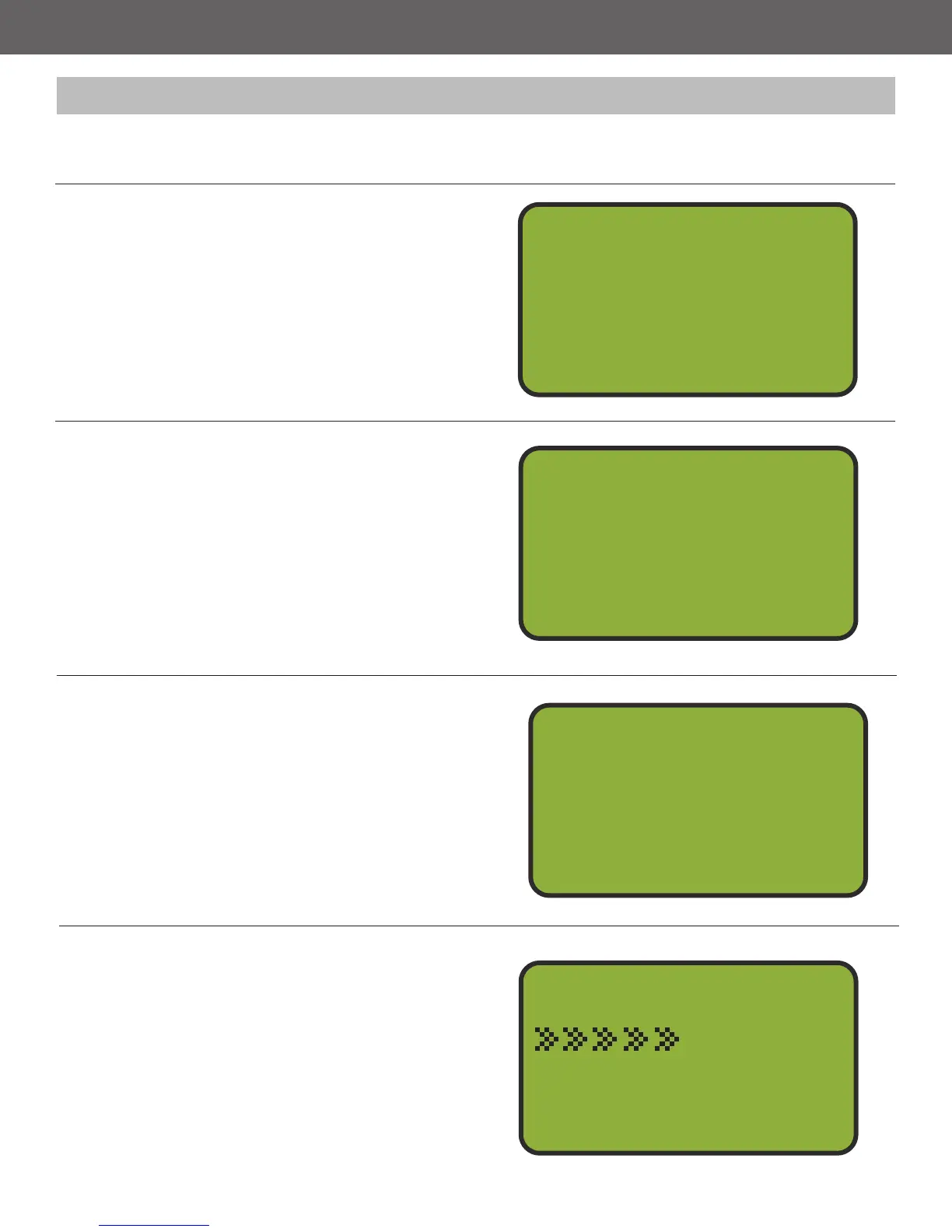
Select Option 1, Wobble Control
The Wobble Menu gives you two options,
Wobble Control and Wobble Setup. Press
button 2 to select the Wobble Control option.
Select Wobble Trap
The Wobble Control Menu shows the four
wobble traps and their corresponding trap
numbers. Select which wobble trap that you
would like to test re using the 1-4 buttons.
Wobble Menu
Wobble Control
Wobble Setup
1
2
Wobble Trap 31
2
3
4
Wobble Trap 5
Wobble Trap 0
Wobble Trap 0
Test Fire Wobble
Press ENTER
From the Wobble Trap Menu, pressing Enter
will bring you to the Test Fire Menu.
Press Enter to Test Fire
The Test Fire Menu displays the wobble trap
number and the trap number that has been
assigned to it. Press ENTER to test re the
trap. Press BACK to go to the Wobble Trap
Menu.
Vert. Nudge1
2
3
4
Vert. On/OFF
Horz. Nudge
Horz. On/OFF
Test Fire
Wobble 1 Trap 3
Press Enter
3
4
13
Users are able to test re a specic wobble trap from the Wobble Control Menu to see if the wobble
trap is in the desired position.



 To Next Page