System Status
Using the MT4300-C While Charging
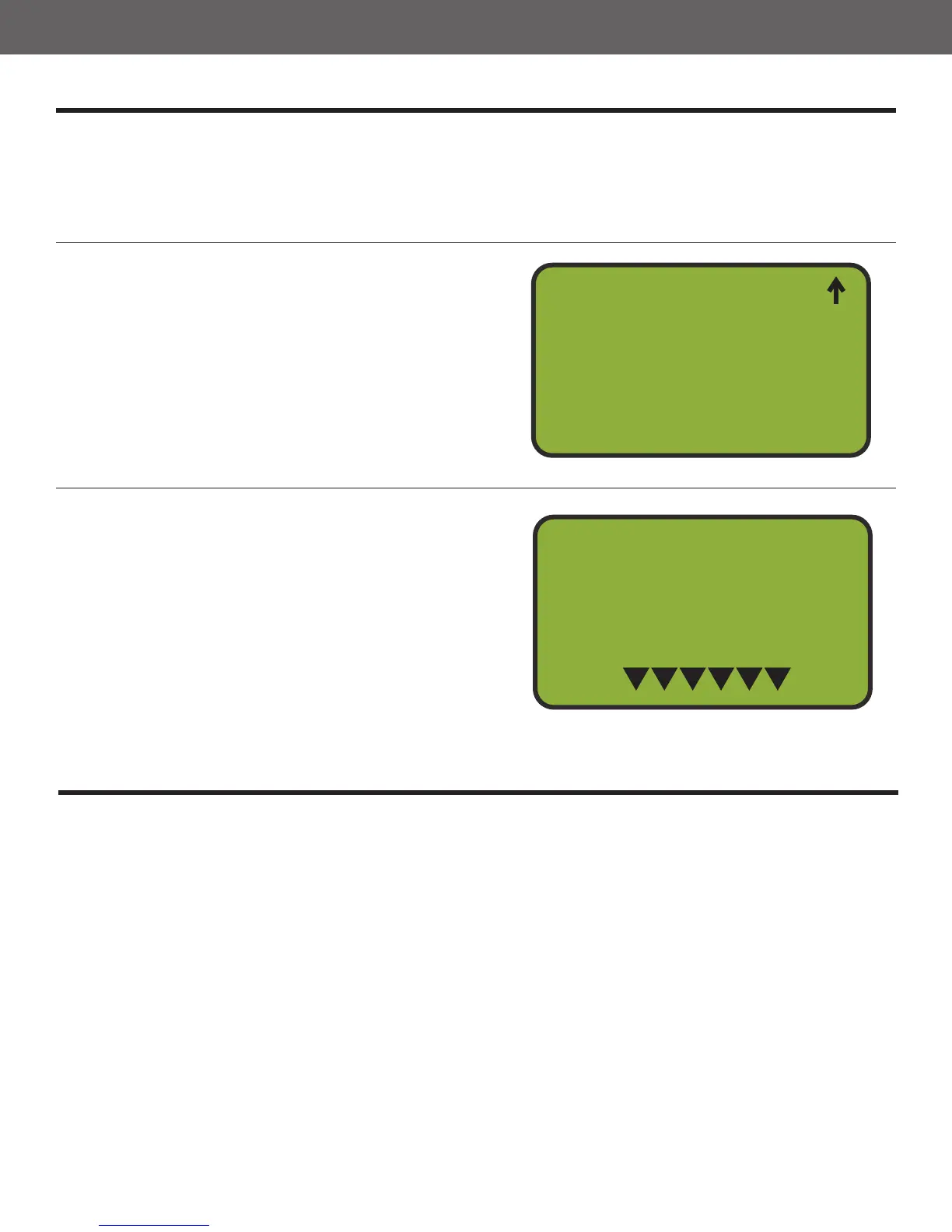
The System Status function displays the current state of the MT4300-C. The current software
version and channel are displayed as well as a meter which indicates battery life. The battery life is
represented by 6 triangles. An overnight charge is required to fully charge an exhausted battery. The
MT4300-C may also stay plugged in without overcharging. You can get to the System Status Menu
from the Main Menu.
1
2
Select Option 6, System Status
From the Main Menu, press button 6 to select
the System Status option.
Press BACK to Exit
Pressing the BACK button will bring you back
to the Main Menu.
Solo Shooter
5
6
7
Wobble Setup
System Status
System Setup
4
System Status
MT4300C V2.50A
Chn 1
E
F
14
If you nd yourself in the position of having a low battery, but still need to launch targets, the
MT4300-C can be connected to a power source and still operate. The MT4300-C uses a charging
voltage of 5.5 volts so do not connect it to a trap battery. We have 12 volt cigarette style
adapters that convert 12 volts to 5.5 volts which is output via a USB cable. This can then be directly
connected to the MT4300-C.
*IMPORTANT: Put the MT4300-C in Manual Mode before you connect the charger.



 To Next Page