Lock ON Mode
Lock ON Mode is best used when a shooter will be using two specic traps for a period of time and
is accessed from the Manual Mode Menu. There are two separate modes included in Lock ON
Mode. These two modes are Report Mode and True Pair Mode. Report Mode allows the user to
lock in two separate traps and re them alternately by simply pressing the ENTER button. True Pair
Mode allows the user to lock in two separate traps and re them simultaneously simply by pressing
the ENTER Button. Both of these modes are also available in Solo Shooter Mode. To exit Lock On
Mode or change the designated trap numbers, press the ON/BACK button.
1
2
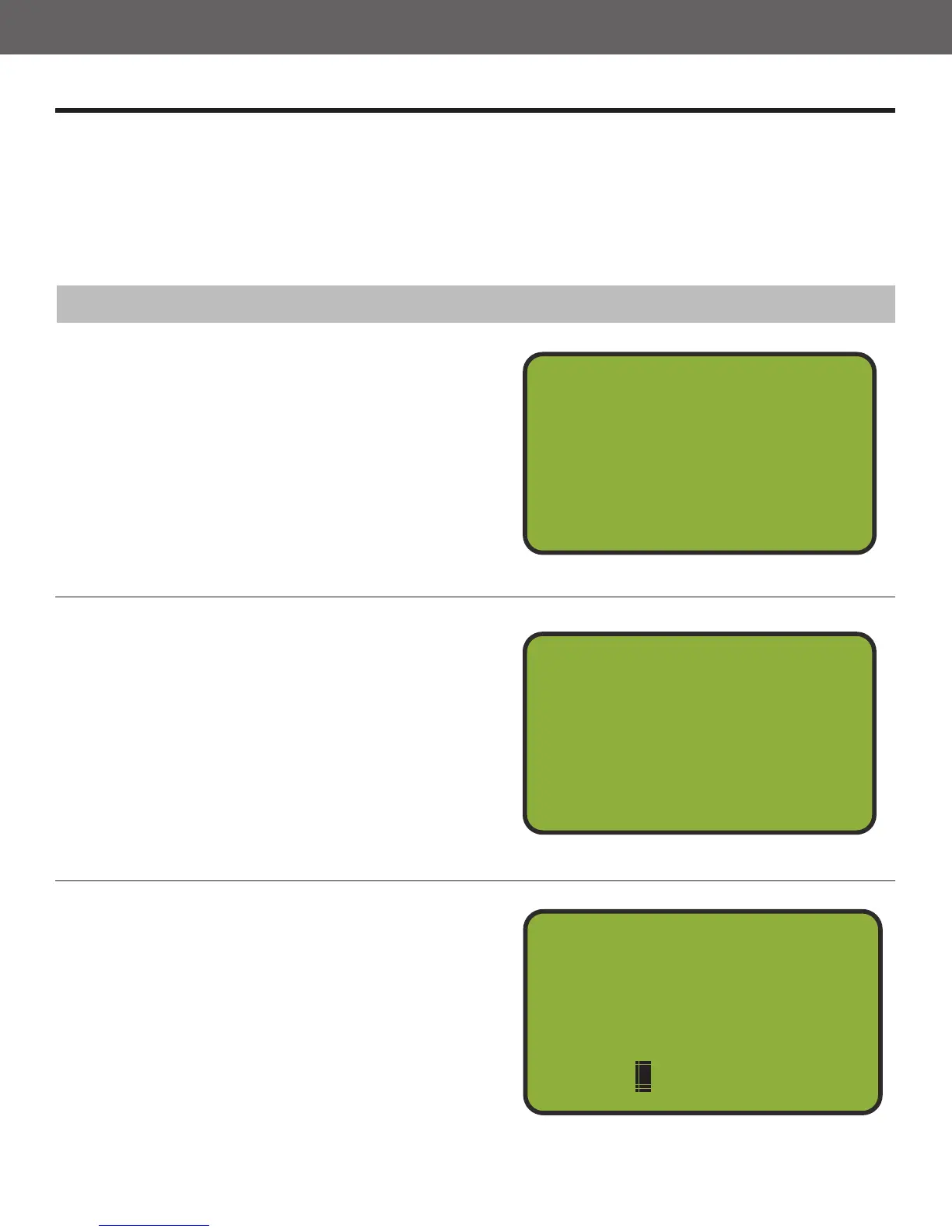
Press and Hold the ENTER Button
While in Manual Mode, press and hold the
ENTER button until an “asterisk” * appears in
the top left corner (approx. 3 seconds).
Select First Trap
Each trap will have a corresponding number
from 1 to 15. By pressing 1-9, the number will
display next to the rst trap. To enter a trap
with a double digit number, the zero button
must be pressed rst. Press the zero button.
The square cursor begins to blink. Now enter
the corresponding double digit. The number
will display next to the rst trap. This trap is
now locked in.
Manual Mode
1st _
2nd _
Choose Trap #
Count
0
*
Manual Mode
1st 3
2nd _
Choose Trap #
Count
0
*
Report Mode
Select Second Trap
By pressing 1-9, the two traps will be locked in
and the menu will progress to Report Mode.
To enter a trap with a double digit number, the
zero button must be pressed rst. Press the
zero button. The square cursor begins to blink.
Now enter the corresponding double digit. The
two selected traps will now be locked in and
the menu will progress to Report Mode.
Manual Mode
1st 3
2nd 1
Choose Trap #
Count
0
*
3
6



 To Next Page