7
www.longer3d.com support@longer3d.com
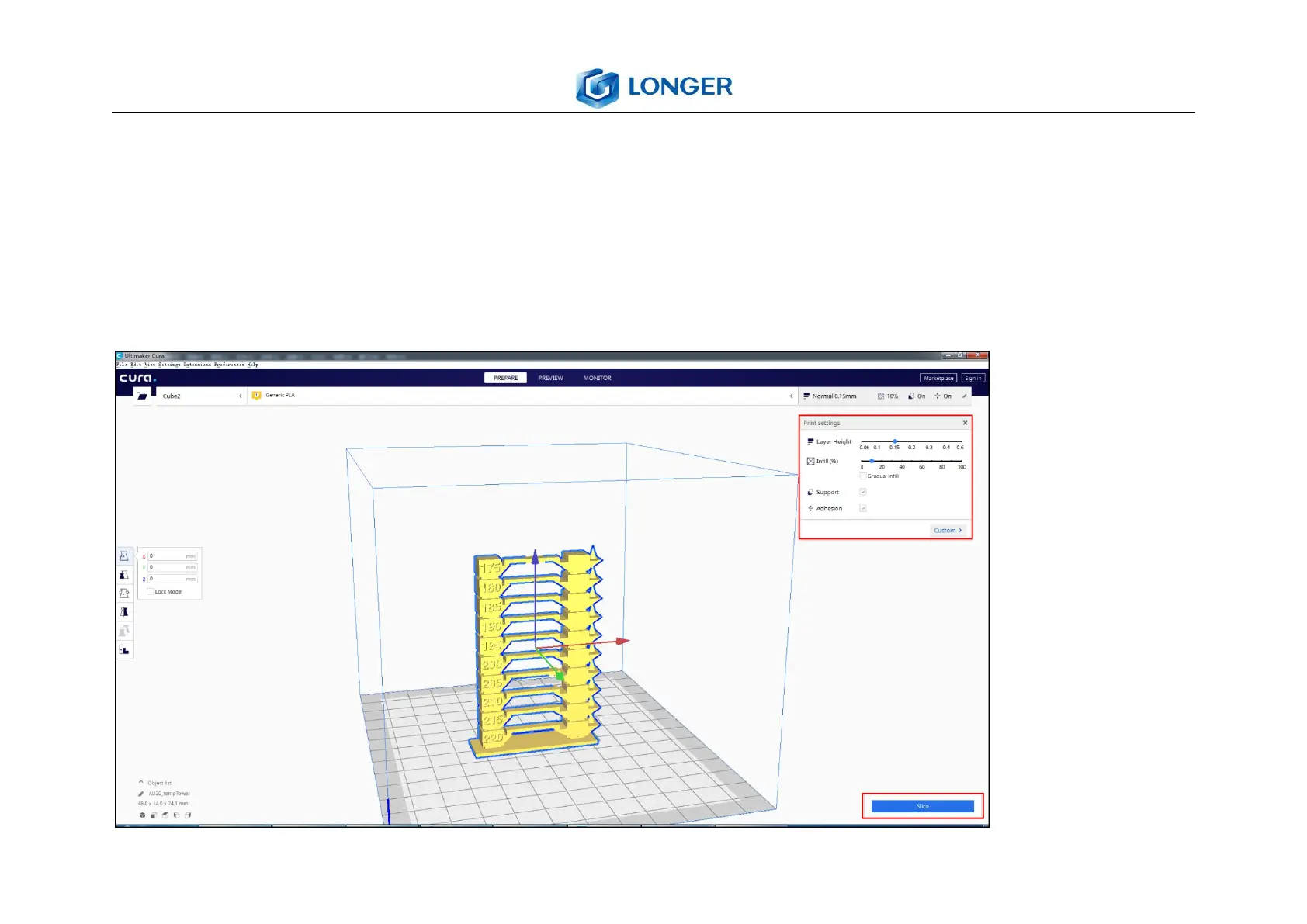
2.3Select Printing Parameters
Click the frame in the upper right corner, select the corresponding printing layer thickness, filling, support, and
Adhesion, and click "Slice" in the lower right corner. When the slicing is completed, the Gcode file can be saved to
the Micro SD card and inserted into the printer for printing.



 To Next Page