1. After the machine nozzle is heated, the
consumables are normally fed into the
feeding mechanism by hand, and then
passed through the Teflon tube to enter the
nozzle.
2. When it is found that the gear of the
feeding mechanism emits a "beep" sound, it
can first check whether the consumables are
wound, causing the extrusion mechanism to
pull the material.
3 If this is not the reason, raise the machine
nozzle and use the 0.4mm needle in the
toolbox to insert it from below the copper
nozzle and rotate while inserting.
4. Under normal circumstances, this needle
can be used to open the copper nozzle, so
that the feed is smooth. The reason for this
blocking is generally that there are
impurities in the consumables, which leads
to plugging.
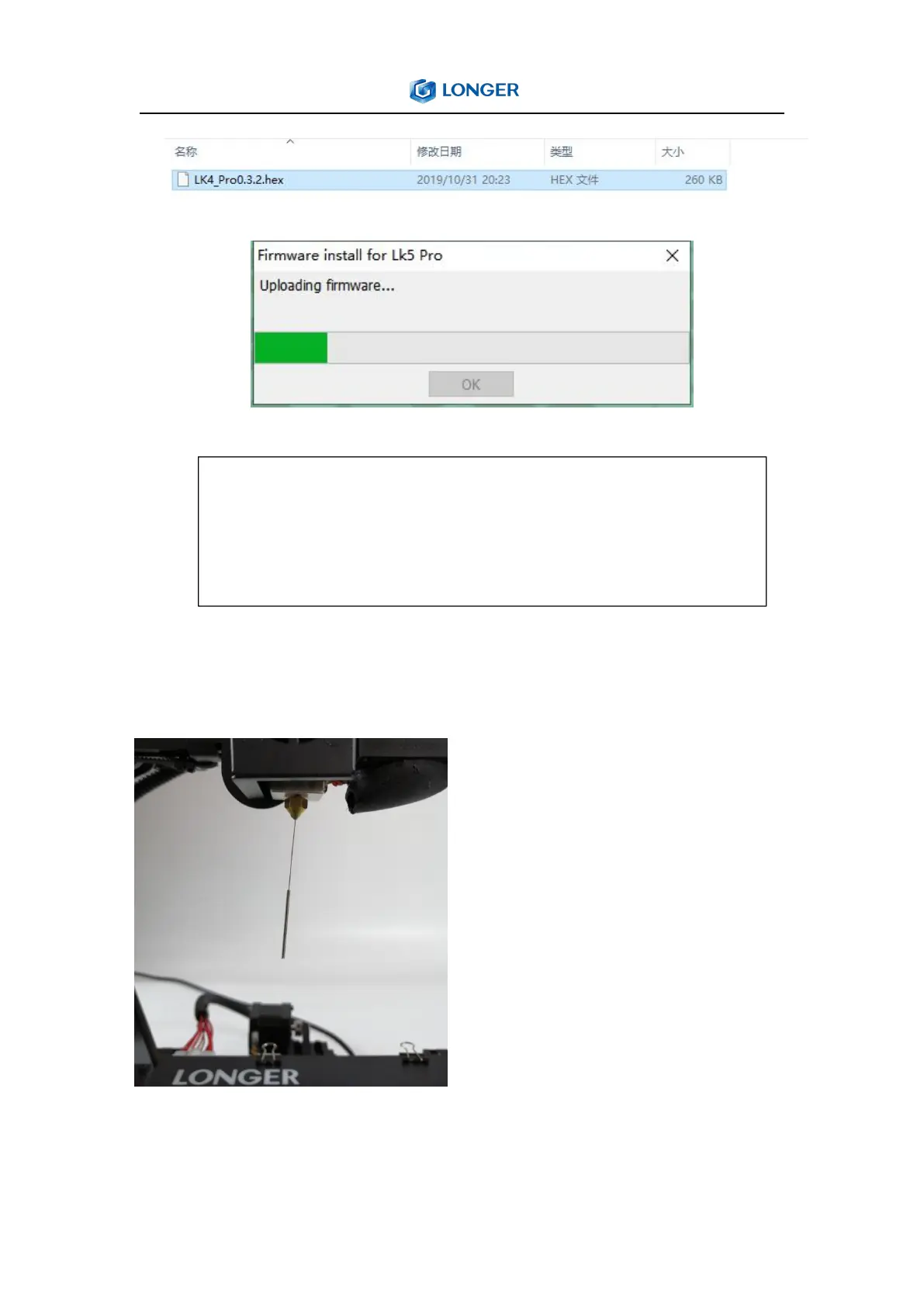
First connect the serial cable to the 3D printer, the first step is the model, the
second step is the model setting, the third step is to select the port, the fourth
step is to confirm whether the baud rate is AUTO, and the fifth step is to choose to
burn the specified firmware (will be The file selection box pops up, then select the
firmware corresponding to the .hex format)



 To Next Page