12
TRANSDUCER INSTALLATION: DUAL VIEWS
To view two sonar images on your multi-function display (MFD), you can install two
ActiveTarget 2 systems (two sonar modules and two transducers) on your boat.
The sonar modules are synchronized using the blue wire in the power cable and run
simultaneously without interference between them. You can install the transducers on the
same trolling motor to achieve the following dual views:
• Forward and scout
• 180° (forward and back view)
• Scout wide (scout and scout view that requires an optional accessory bracket).
Forward and scout views can be displayed as a split screen (two images side by side) on
HDS Pro, HDS Live, HDS Carbon and Elite FS or as full screen on two separate MFDs.
Scout wide and 180° views display as composited images (two images blended at the
center to make a single picture) on HDS Pro only.
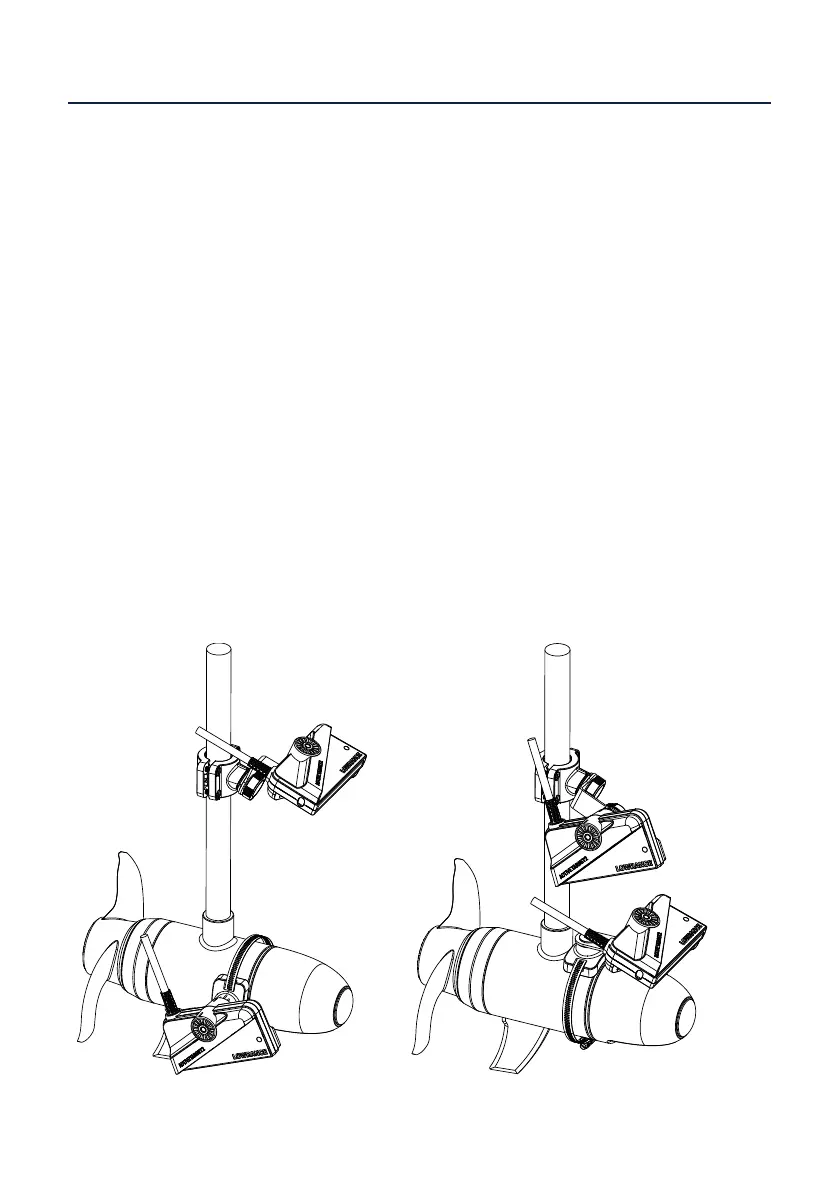
Forward and scout view
The forward and scout view can be achieved by mounting:
• the scout transducer on the shaft and forward transducer on the motor
• the forward transducer on the shaft and the scout transducer on the motor
• both the forward and scout transducers on the motor.
To attach transducers to the shaft and motor in either scout or forward view, follow the
instructions in the “Transducer installation: single view” section of this manual.
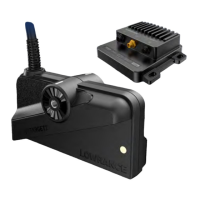
Forward on motor and scout on shaft Forward on shaft and scout on motor


 To Next Page