Digital Video Recorder User Manual
13
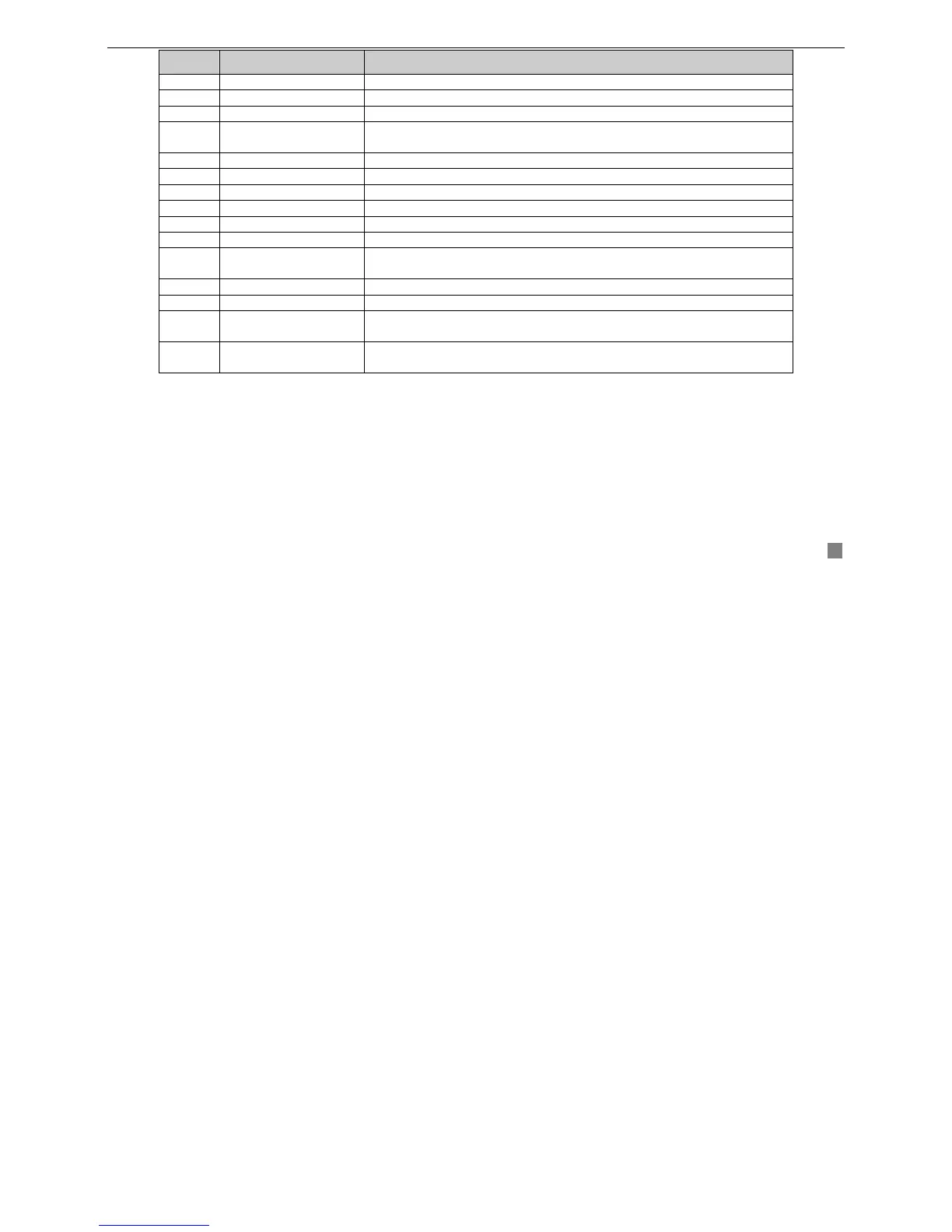
Items Names Functions
1 Power Button Shot shutdown to stop firmware running. Do it before power off.
2 INFOR Button Get information about the DVR like firmware version, HDD information
3 REC Button To record manually
4
Digital and letter
Buttons
Input digital and letters or choose camera
5 Multi Screen Button To choose multi screen display mode
6 SEARCH Button To enter search mode
7 MENU Button To enter menu
8 ENTER Button To confirm the choice or setup
9 Direction Button Move cursor in setup or pan/title PTZ
10 +/- Button To increase or decrease the value in setup
11
Playback Control
Button
To control playback, Fast forward/rewind/stop/single frame play
12 AUDIO Button To enable audio output in live mode
13 Auto Dwell Button To enter auto dwell mode
14 A Button
Press the button to change input mode. Including switches among
capital letter, small letter, digital number and special symbols
15 PTZ Control Button
To control PTZ camera
Move camera/ZOOM/FOCUS/IRIS/SPEED control









 To Next Page