Digital Video Recorder User Manual
65
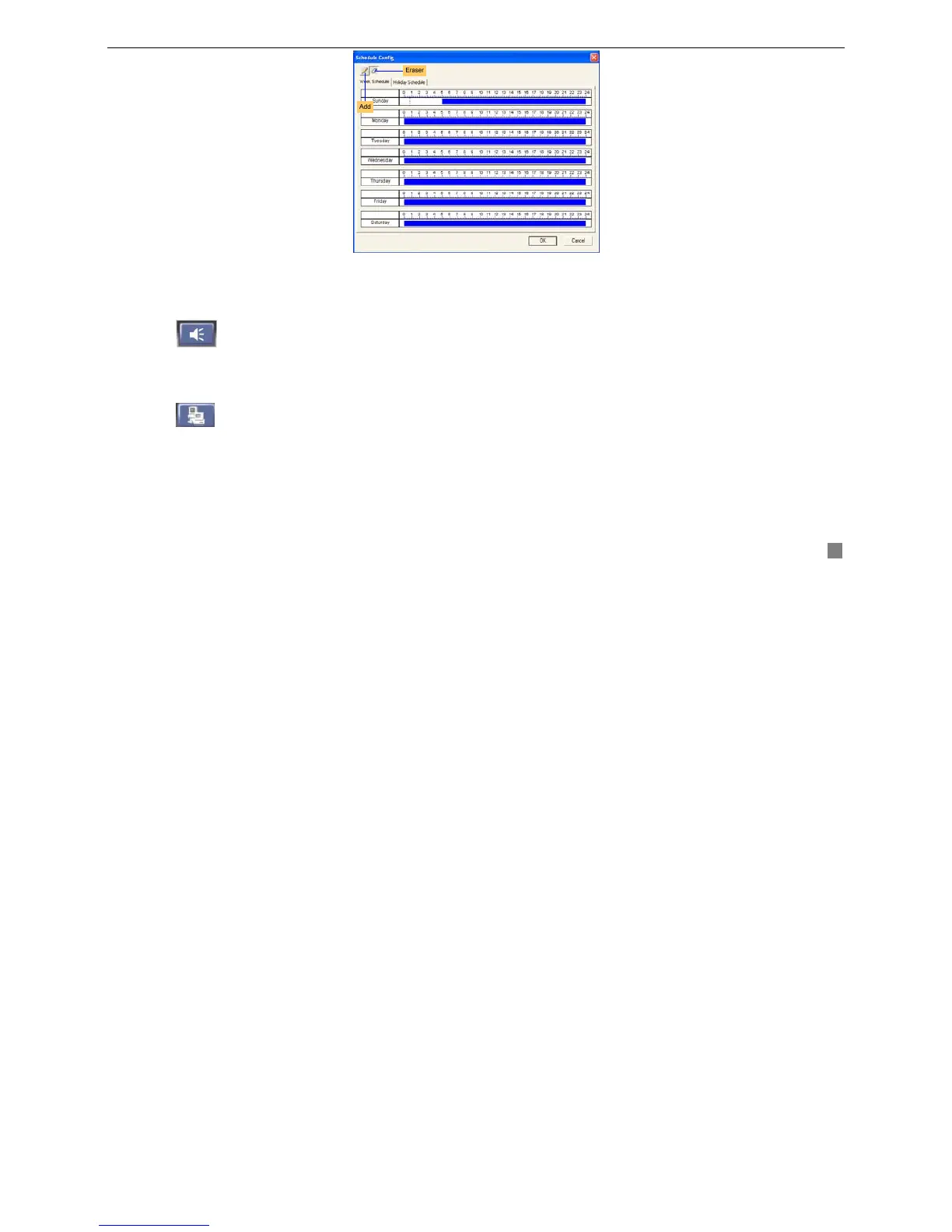
Fig4.17 Schedule Configuration
STEP3 Click "Eraser" button and click on the weekday schedule to delete the time; Click "Add" button and click on the
weekday schedule to add the time.
4.4.4 Alarm Configuration
Click
button in Remote Configuration, and a drag-down menu will appear. There are Motion Alarm window,
Sensor Alarm window and Other Alarm window. The setting is the same as ‘3.2.4 Alarm Configuration’ of the DVR. If you
change it here, the DVR will change along with it.
4.4.5 Network Configuration
Click
button to change the video quality of Network Client.
4.4.6 User Configuration
The setting of User Configuration window is the same as ‘3.2.6 User Configuration’ of the DVR. The added users in one
server can login the Server and Client.









 To Next Page