Digital Video Recorder User Manual
20
6. COPY CONFIG TO
Copy the configuration of one channel to any other selected channels. If selecting “ALL”, users can copy the configuration
to all other channels.
STEP1 Select the channel to which this channel will be copied, or select ALL to copy the configuration to all other
channels.
STEP2 Press "COPY" button.
STEP3 Press "Enter" key to confirm the operation.
3.2.3 Record Configuration
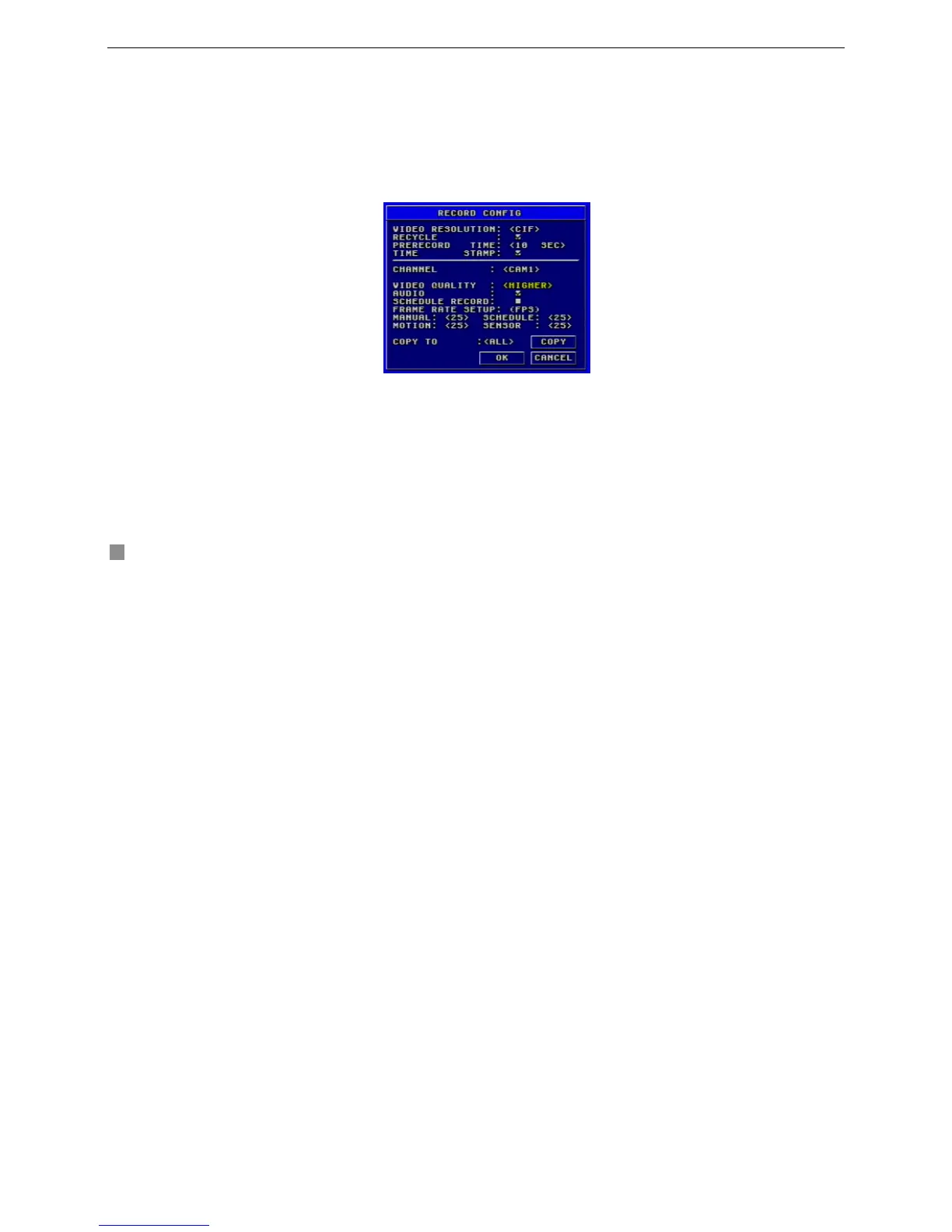
Record Configuration menu is shown as Fig. 3.7.
Fig3.7 Record Configuration









 To Next Page