Digital Video Recorder User Manual
61
Record Configuration Alarm Configuration
PTZ Configuration User Configuration
Manage Tools Return
In Remote Configuration interface, users can set all configurations remotely. Its operation is the same as that in DVR.
4.4.1 Basic Configuration
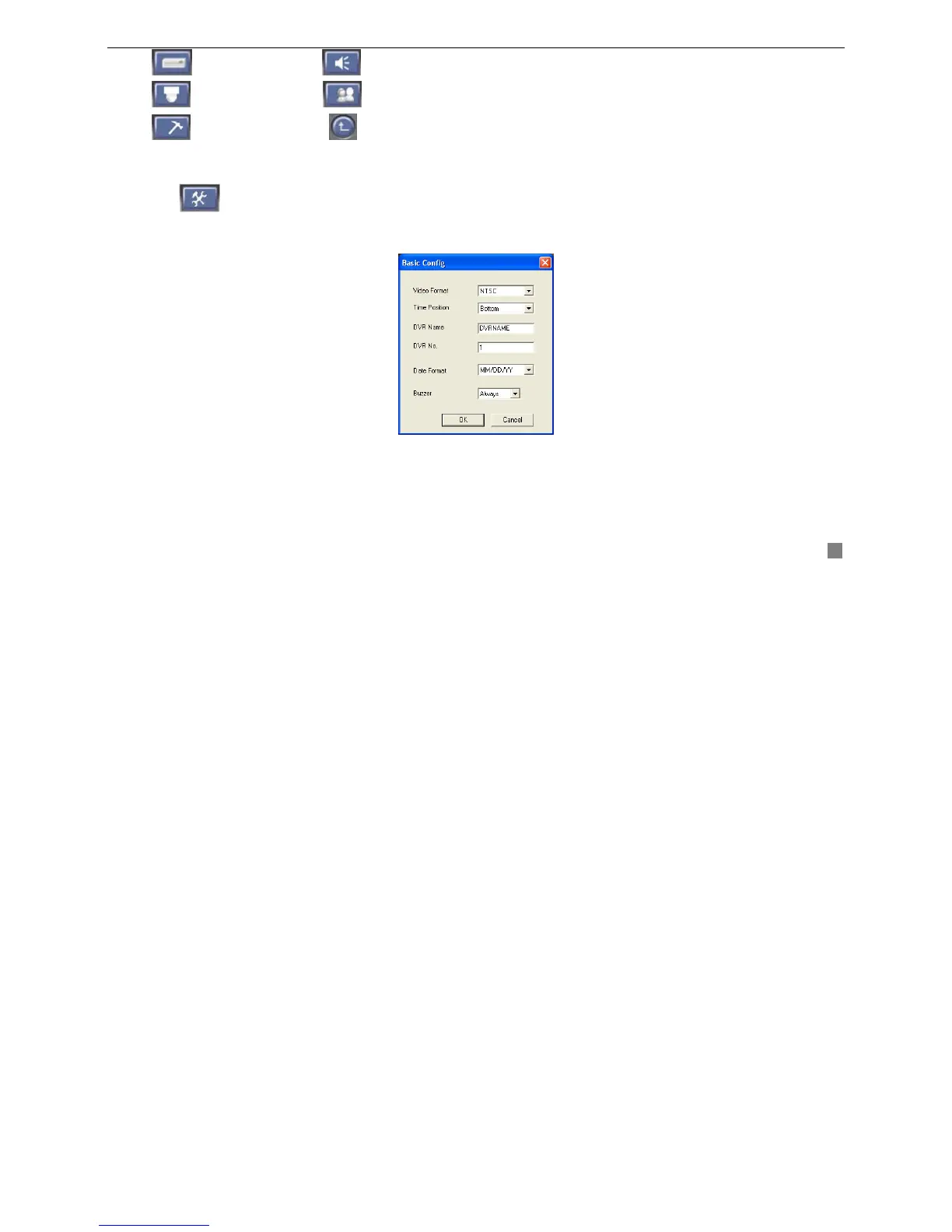
Click button in Remote Configuration and enter Basic Configuration shown as below Fig4.13 Basic
Configuration.
After changed parameters, click "OK" button, the setting will be saved and enabled on the DVR.
Fig4.13 Basic Configuration
1. Video Format
Select video format in the drag-down list. There are two video formats : PAL and NTSC.
2. Time Position
Select time position that displays on the DVR in the drag-down list.









 To Next Page