Digital Video Recorder User Manual
62
3. DVR Name
Change the name of DVR.
4. DVR No.
Give a number to DVR.
5. Date Format
Select the option in the drag-down list to change the date format. There are three date formats: YY/MM/DD, DD/MM/YY,
and MM/DD/YY.
6. Buzzer
Select the option in the drag-down list to change the time how long the buzzer will last.
4.4.2 Live Configuration
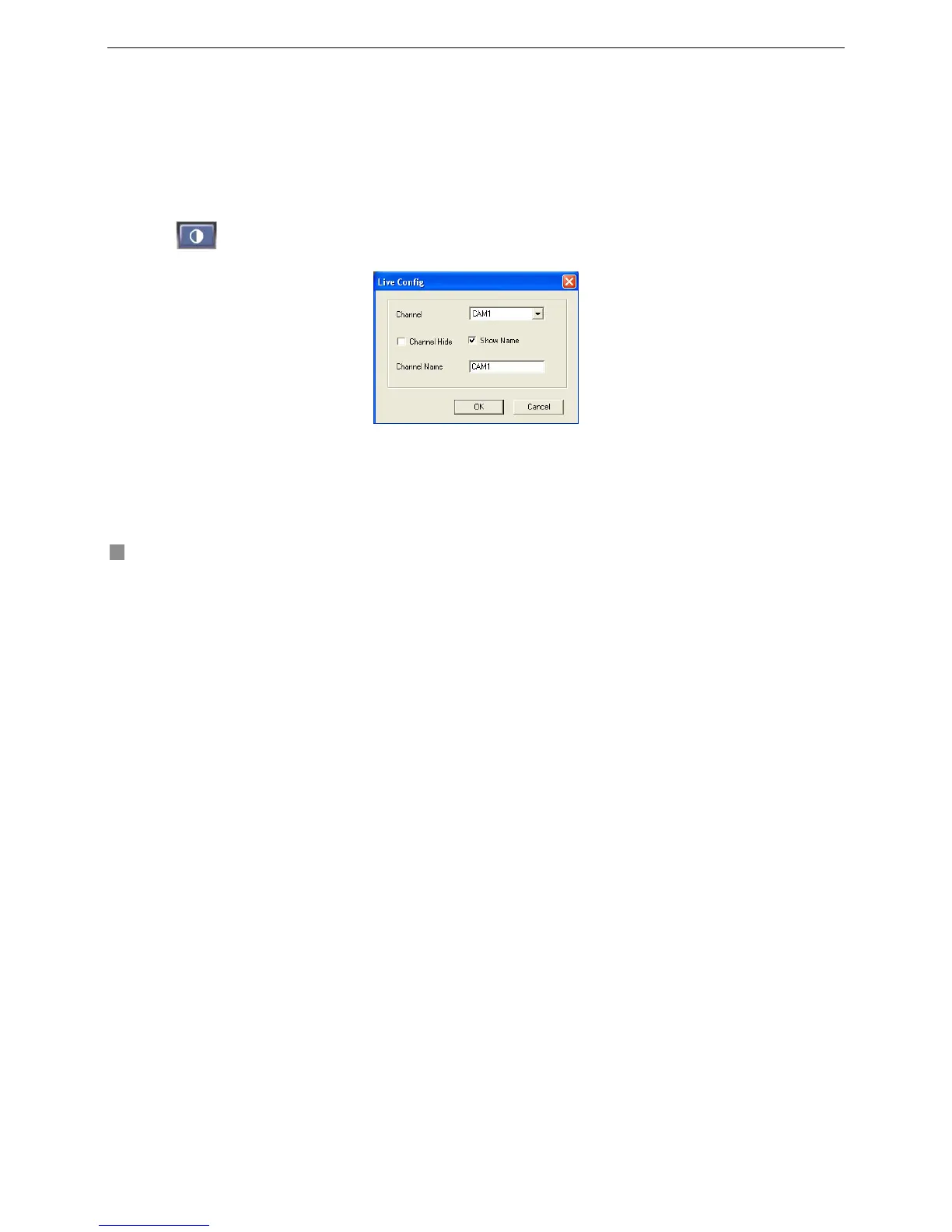
Click
button Remote Configuration, and a drag-down menu will appear. There are the Live Configuration window
and Color Settings window shown as below Fig4.14 Live Configuration and Fig4.15 Color Settings.
Fig4.14 Live Configuration









 To Next Page